 rifanmuazin
Instagram Stories have become an indispensable cornerstone of the social media experience, offering a dynamic and personal window into the daily lives of individuals, creators, and brands. Launched in 2016, this feature rapidly transformed how users interact with content, prioritizing authentic, in-the-moment updates over meticulously curated feeds. From a quick clip of a bustling workspace to a sneak peek at a product photoshoot or an interactive poll gauging customer preferences, Stories provide a low-pressure yet highly visible avenue for consistent engagement, appearing prominently at the very top of the application interface, ensuring immediate audience attention before the scroll even begins.
The Genesis of Ephemeral Content: A Response to a Shifting Landscape
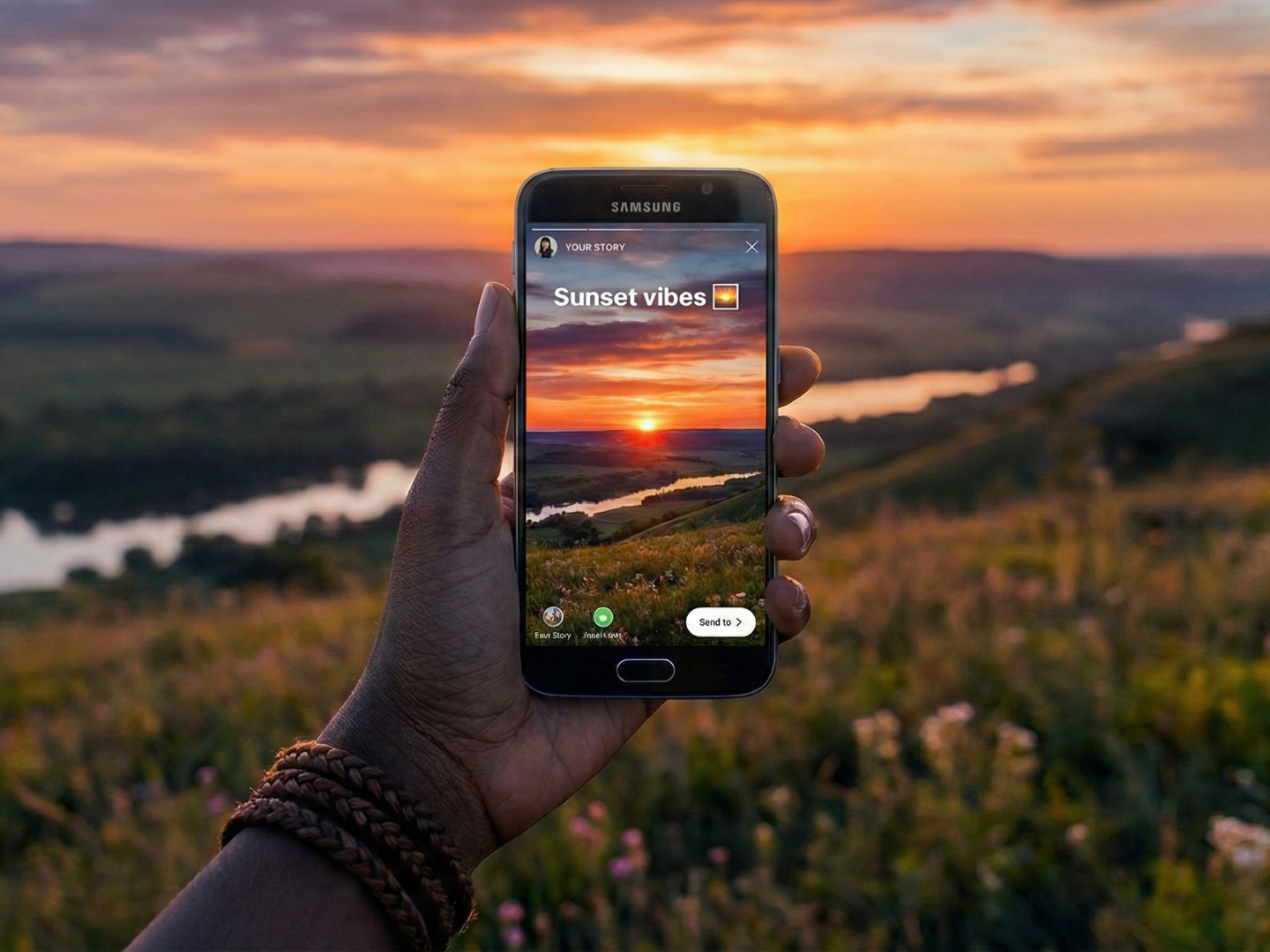
The introduction of Instagram Stories in August 2016 marked a pivotal moment in the platform’s evolution, widely seen as a direct strategic move to counter the rising popularity of Snapchat. Snapchat had pioneered the concept of "Stories" – a format allowing users to share photos and short videos that disappeared after 24 hours – and had captivated a younger demographic with its raw, unfiltered appeal. Instagram, under the umbrella of Meta (then Facebook), recognized the profound shift in user preference towards more spontaneous and less permanent forms of sharing.
By integrating a near-identical feature, Instagram leveraged its massive existing user base, which already numbered over 500 million monthly active users at the time. This strategic implementation allowed Instagram Stories to quickly eclipse Snapchat’s user engagement for ephemeral content. Within just two years, by June 2018, Instagram announced that its Stories feature alone had garnered over 500 million daily active users, a staggering testament to its rapid adoption and pervasive influence, solidifying its position as a dominant force in digital communication. This swift ascent underscored the universal appeal of sharing unpolished, temporary glimpses into one’s world, fostering a sense of immediacy and connection that traditional feed posts often couldn’t match.
Deconstructing the Instagram Story: Format and Functionality
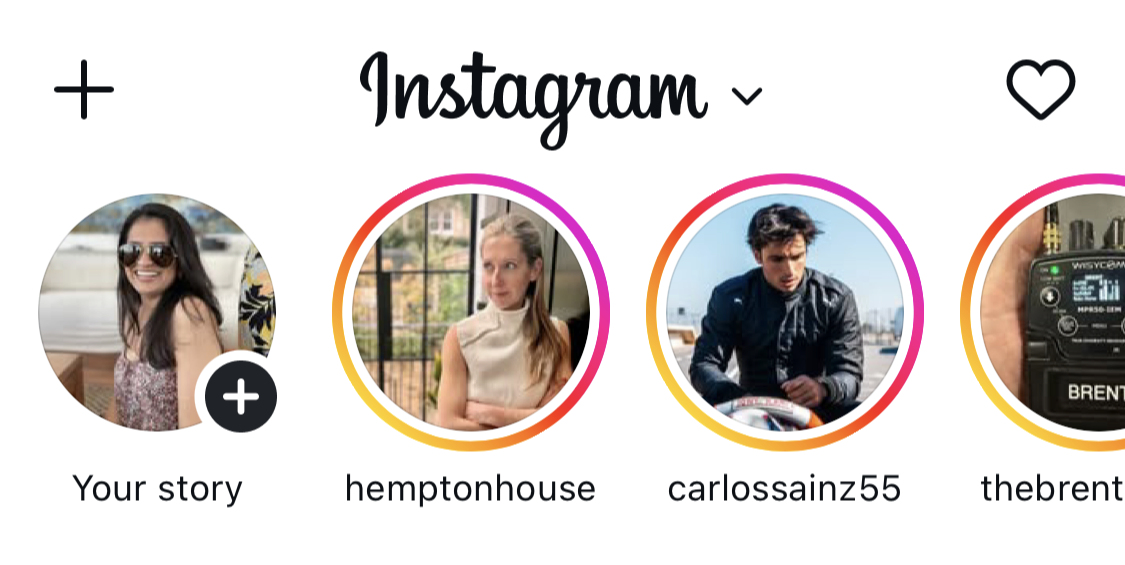
At its core, an Instagram Story is a photo or video clip designed to be consumed in a vertical, full-screen format, disappearing automatically after 24 hours. This transient nature encourages users to share content that is "fast, memorable, and fun by design," reducing the pressure associated with permanent feed posts. When a user publishes a Story, a vibrant, colorful ring encircles their profile picture, signaling to their followers that new content is available for viewing. This ring appears prominently in the "stories tray" located at the top of followers’ home screens, making it the first point of interaction upon opening the app.
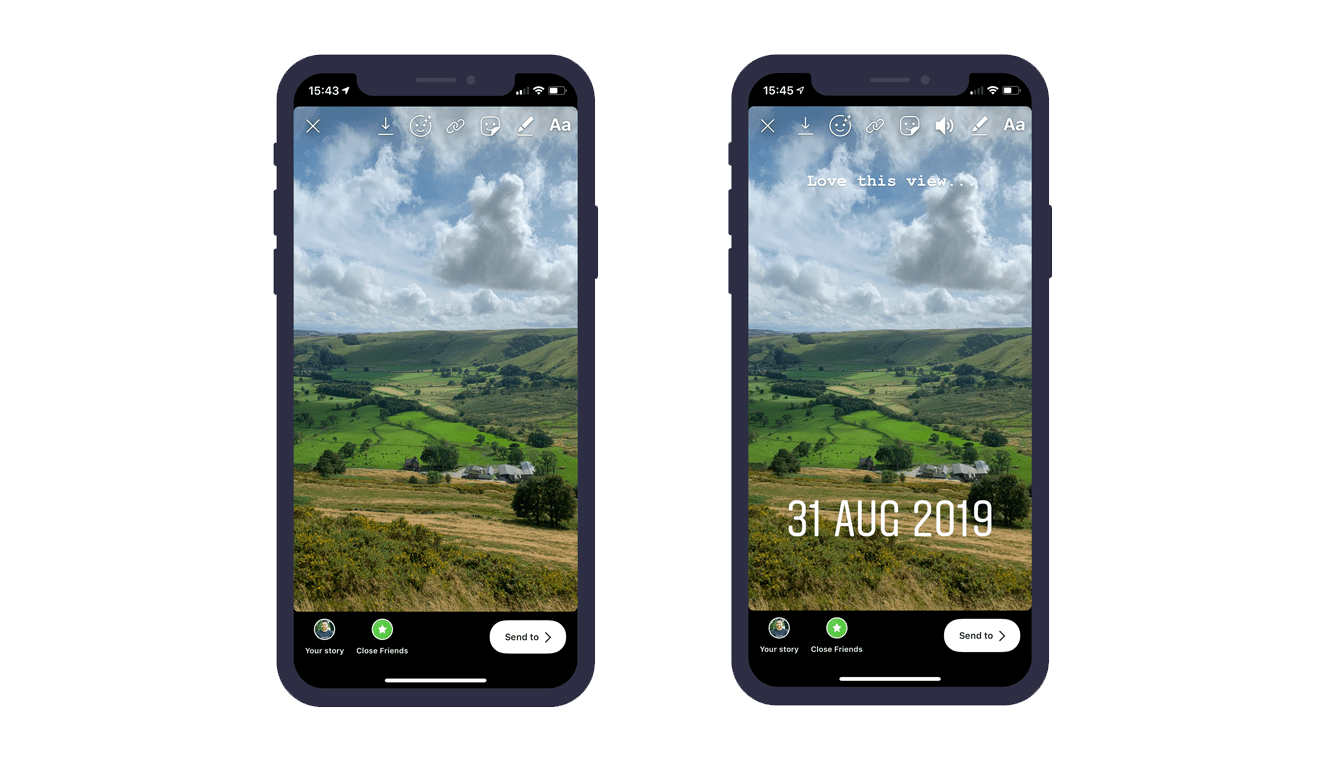
The interactive dimension of Stories is what truly sets them apart. Beyond passive viewing, followers can actively engage with Stories through direct messages (DMs), transforming a one-way broadcast into a dynamic, two-way conversation. Crucially, Instagram has continuously rolled out a suite of interactive stickers – elements like polls, questions, quizzes, and countdowns – which empower creators and brands to solicit feedback, entertain, and foster a deeper sense of community. This inherent interactivity not only boosts engagement metrics but also provides invaluable qualitative data for content creators and businesses.
Strategic Imperatives: Why Stories Matter for Engagement and Growth
While traditional Instagram feed posts often serve as a curated portfolio designed to attract new followers, Stories primarily function as a powerful tool for nurturing existing audience relationships. Adam Mosseri, Head of Instagram, famously described Stories as "a way to reach your most passionate audience." This distinction is critical: Stories are about strengthening loyalty and deepening engagement with those already invested in a user’s or brand’s journey.
For creators, Stories offer a canvas for authenticity. They provide a space to be more relaxed, sharing behind-the-scenes moments, daily vlogs, personal reflections, or discussions on shared experiences. This unvarnished approach builds trust and relatability, humanizing the creator and fostering a stronger bond with their community. For small business owners, Stories are equally versatile, used for everything from unedited glimpses of daily operations to showcasing new products, answering frequently asked questions, or even conducting informal market research through polls. The ephemeral nature of Stories also makes them an ideal low-risk environment for experimenting with different content formats, visual styles, and messaging, without the pressure of permanent archival on the main feed. The "Close Friends" feature further enhances this by allowing creators to share exclusive, intimate content with a select group, deepening engagement within their most dedicated segments.
Diverse Content Creation: Unlocking the Story Toolkit
Instagram provides a robust array of native Story types and creative tools to facilitate diverse content creation:
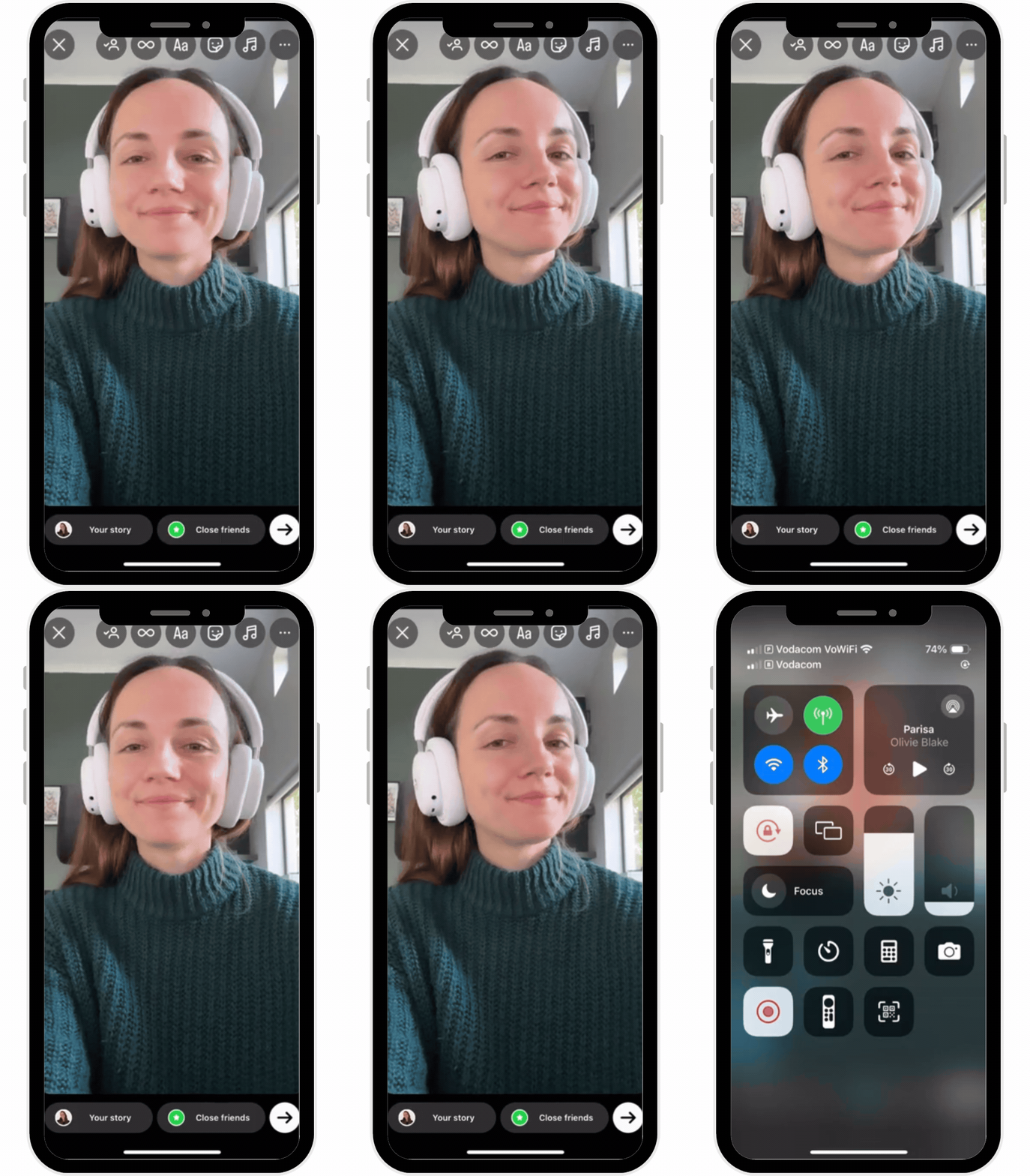
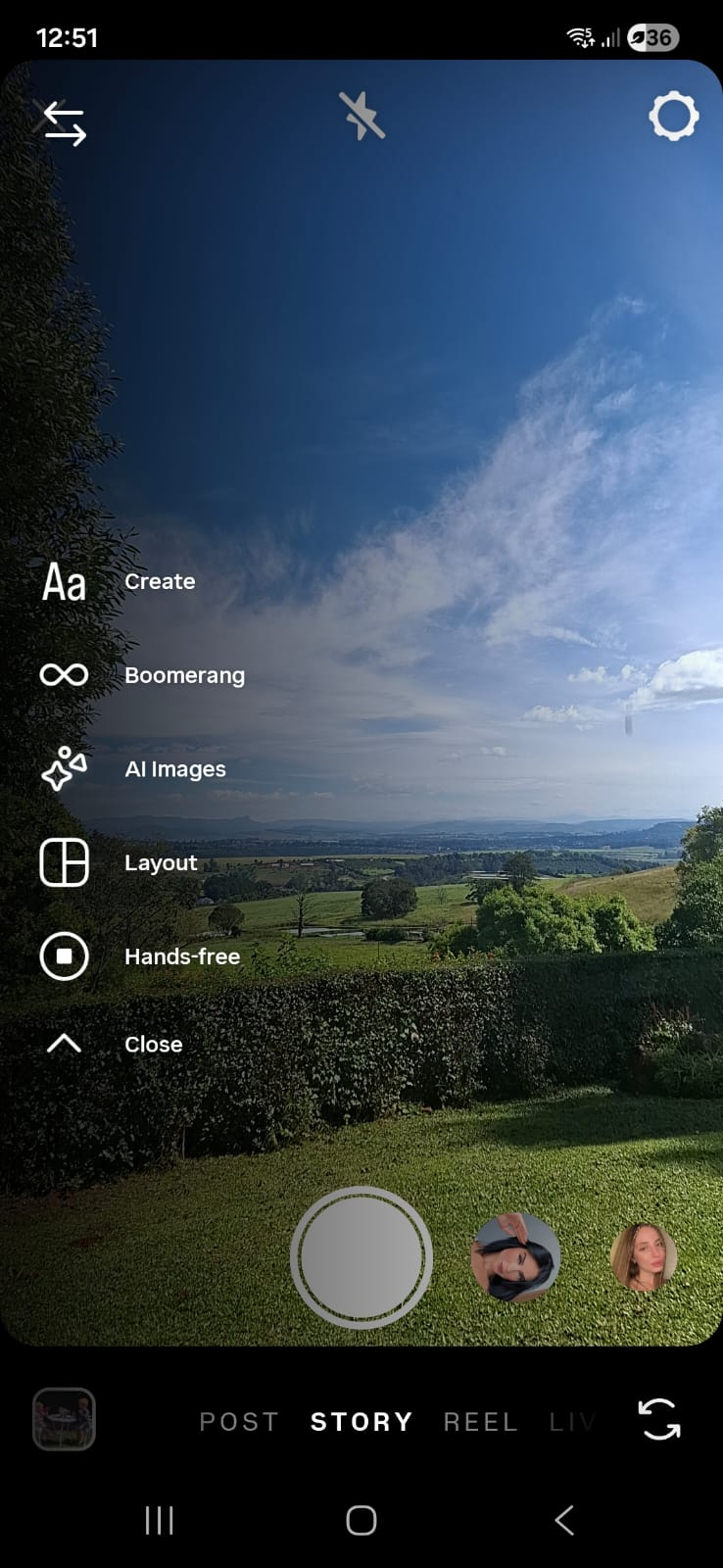
- Standard: The default option for photos and videos, allowing for quick uploads and the application of various filters. It’s the go-to for daily updates, product showcases, or quick thoughts with a visual backdrop.
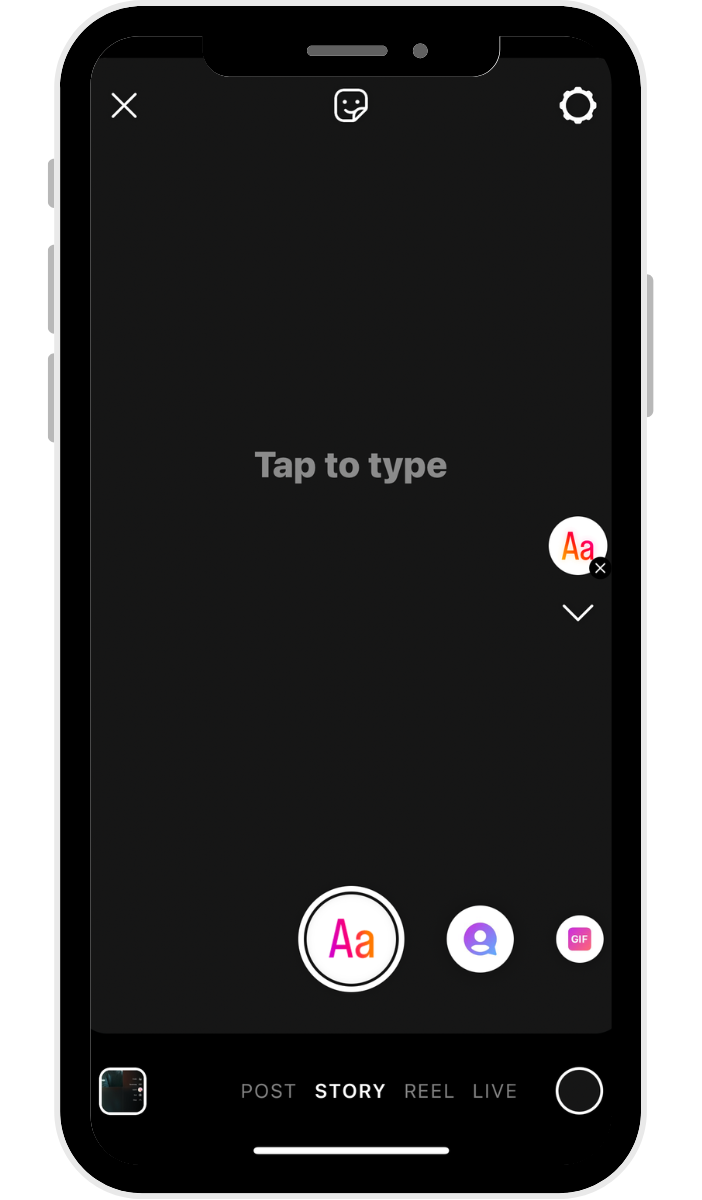
- Create: This mode focuses on text or stickers set against a solid or gradient background. It’s perfect for sharing announcements, quick thoughts, or engaging mini-blogs without the need for accompanying imagery or video.
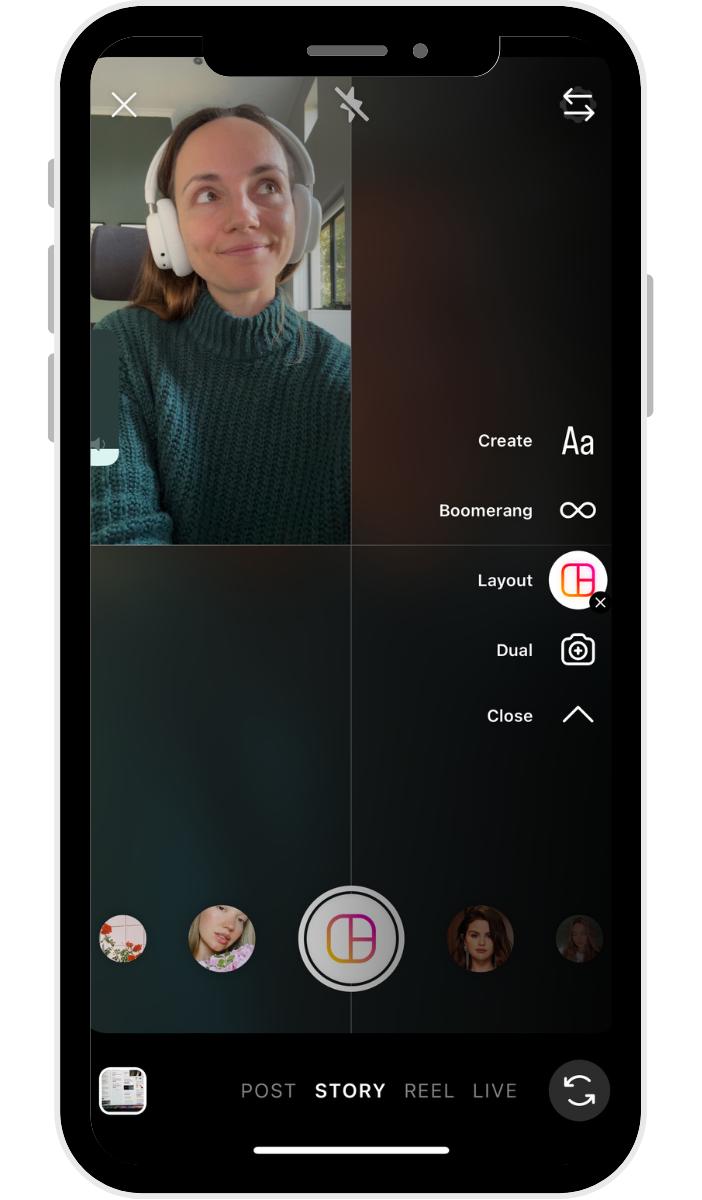
- Boomerang: A captivating feature that records a short burst of video and loops it forwards and backward, creating a mesmerizing, GIF-like effect. Ideal for playful, eye-catching moments like a toast, unwrapping a package, or a dynamic action shot.
- Layout: Enables users to create multi-photo collages within a single Story frame, offering preset grid options. This is invaluable for showcasing before-and-after comparisons, multiple product variations, or recapping an event with several images.
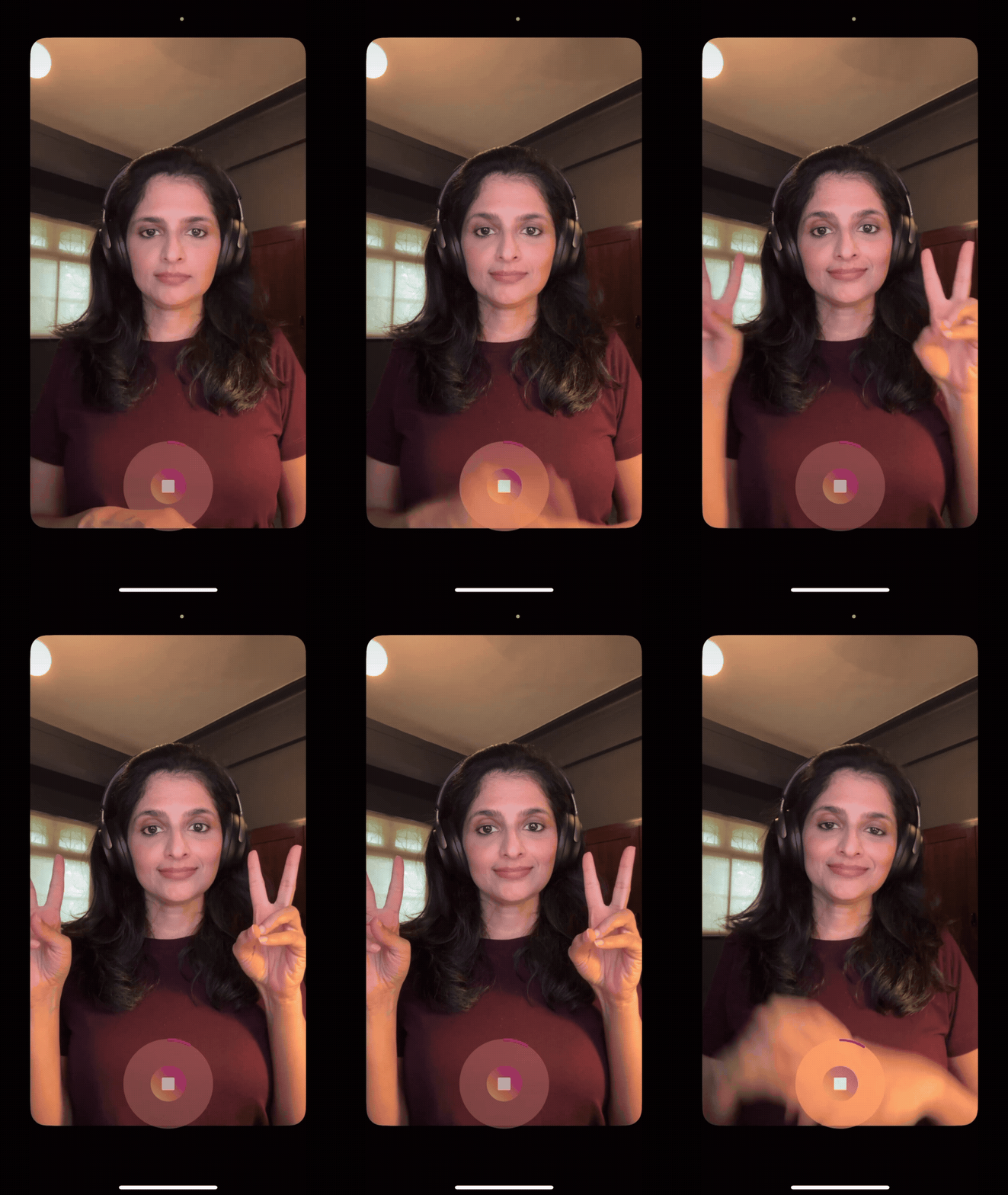
- Hands-free: A video recording mode that eliminates the need to continuously press and hold the record button. This allows creators to demonstrate products, perform tutorials, or provide walkthroughs while keeping both hands free.
Beyond these core types, users can also easily share existing feed posts or Reels to their Stories, amplifying their reach. A useful privacy feature allows users to disable others from resharing their public posts to Stories, offering greater control over content dissemination.
Interactive Stickers: The Heartbeat of Engagement
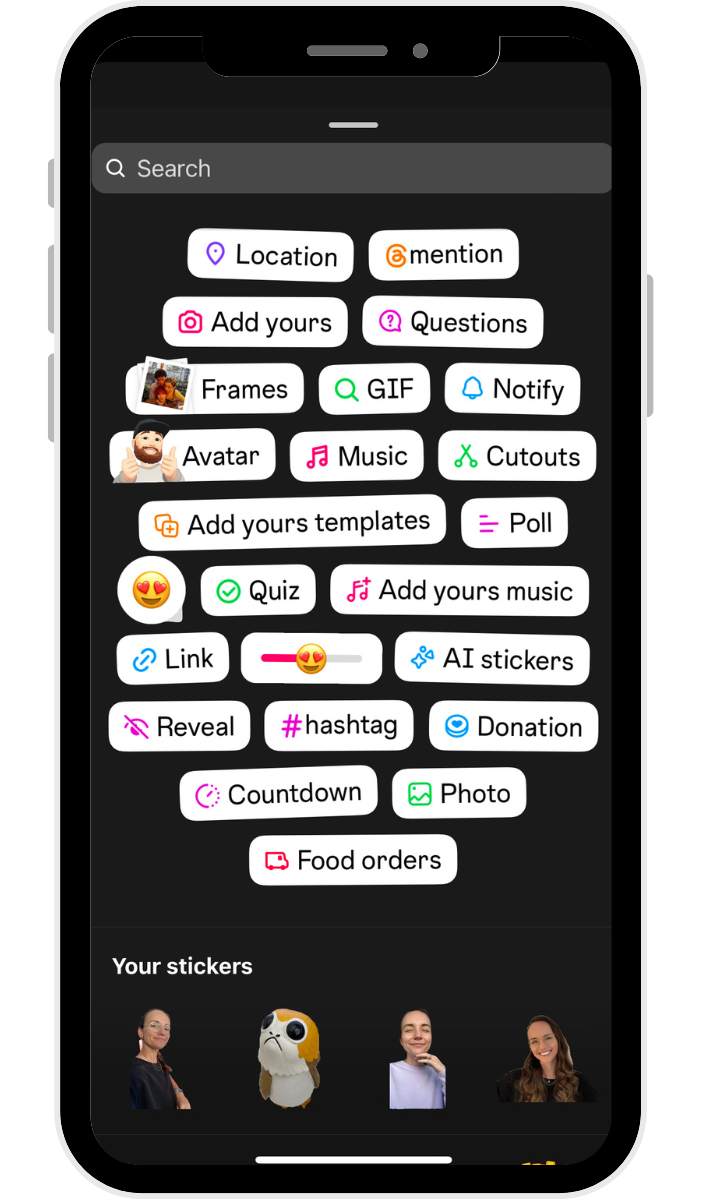
Instagram Story stickers are pivotal for driving engagement, transforming passive viewing into active participation. Accessed via the smiley face icon after capturing or uploading content, these customizable elements are central to Instagram’s community-building strategy.
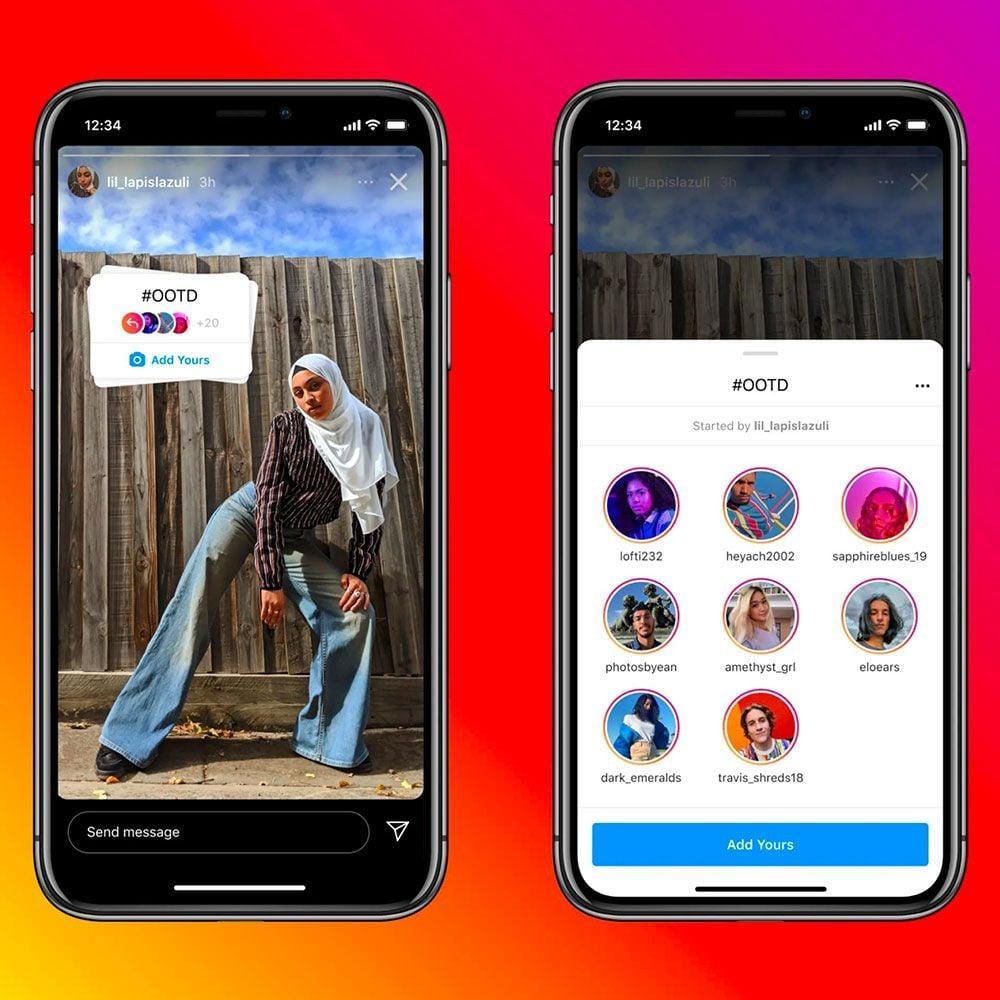
- Add Yours: A highly viral sticker that initiates public content threads around a specific theme (e.g., "#OOTD," "Show us your desk setup"). This feature encourages user-generated content, expanding reach organically as participants’ followers discover the original prompt.
- Captions: Provides automated subtitles or transcripts for video Stories, enhancing accessibility. While still rolling out globally, it represents a significant step towards inclusive content.
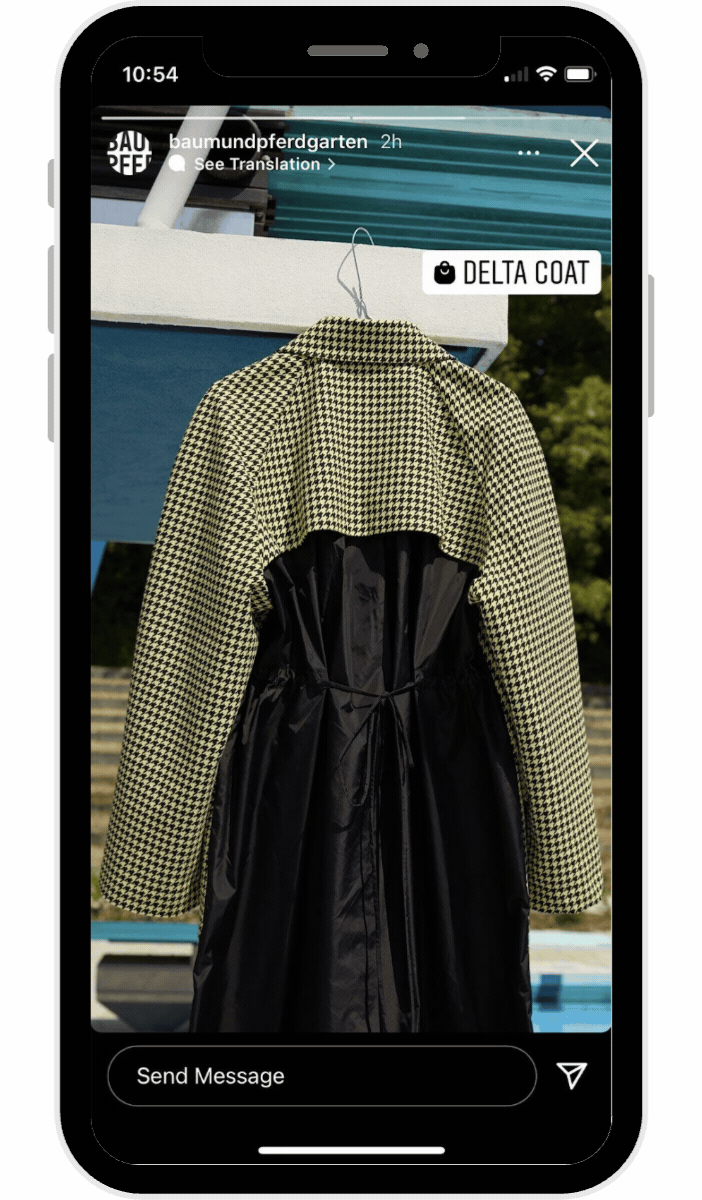
- Shopping: For business accounts with Instagram Shopping enabled, this sticker allows direct tagging of products within a Story. Tapping the sticker leads users directly to product pages, streamlining the path to purchase and making Stories a potent e-commerce tool.
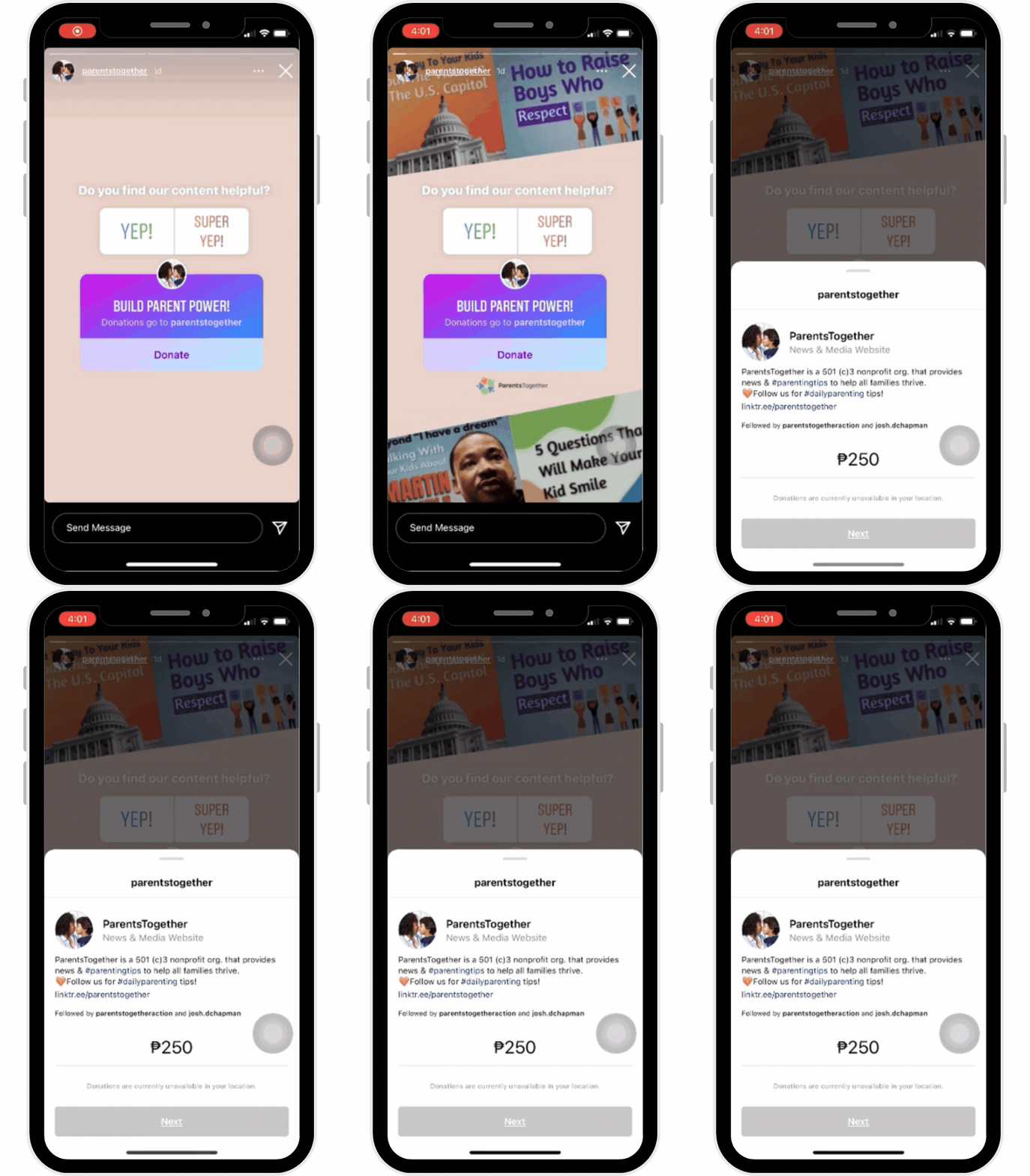
- Donation: Facilitates charitable giving directly within Instagram, allowing users to encourage donations to specific causes. This feature has empowered numerous non-profits and individuals to fundraise effectively.
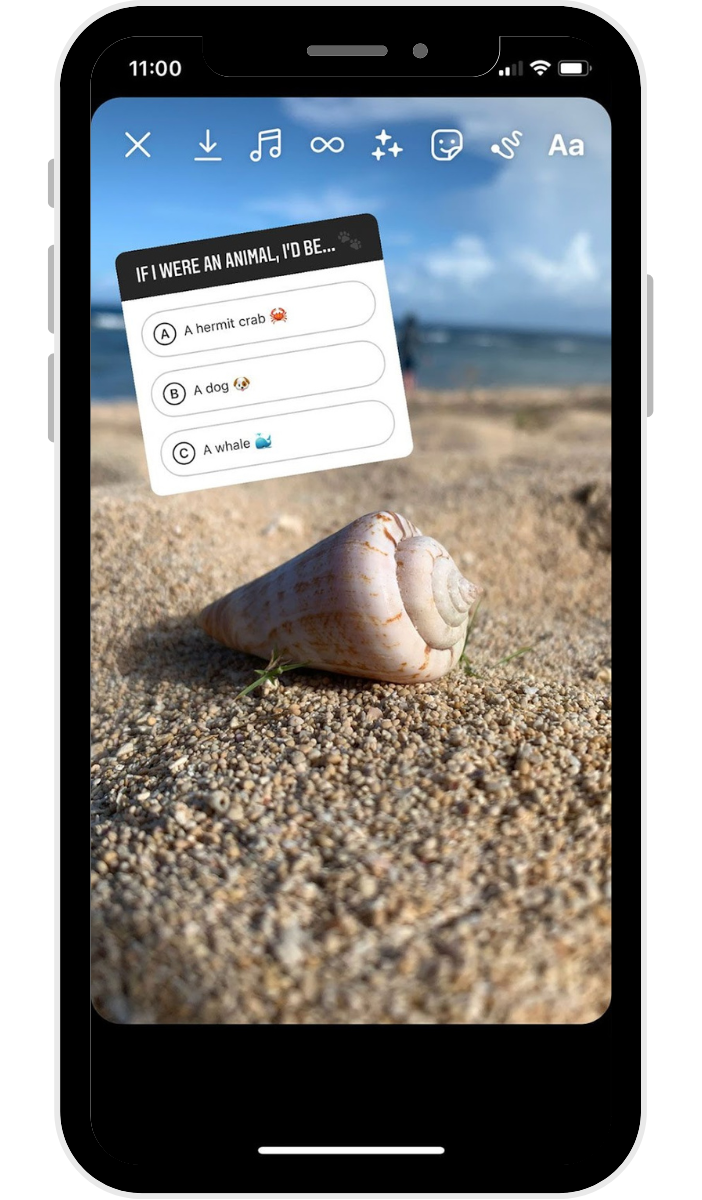
- Quiz: An interactive multiple-choice question format where users can test their followers’ knowledge or gather opinions on a topic, revealing correct answers and results.
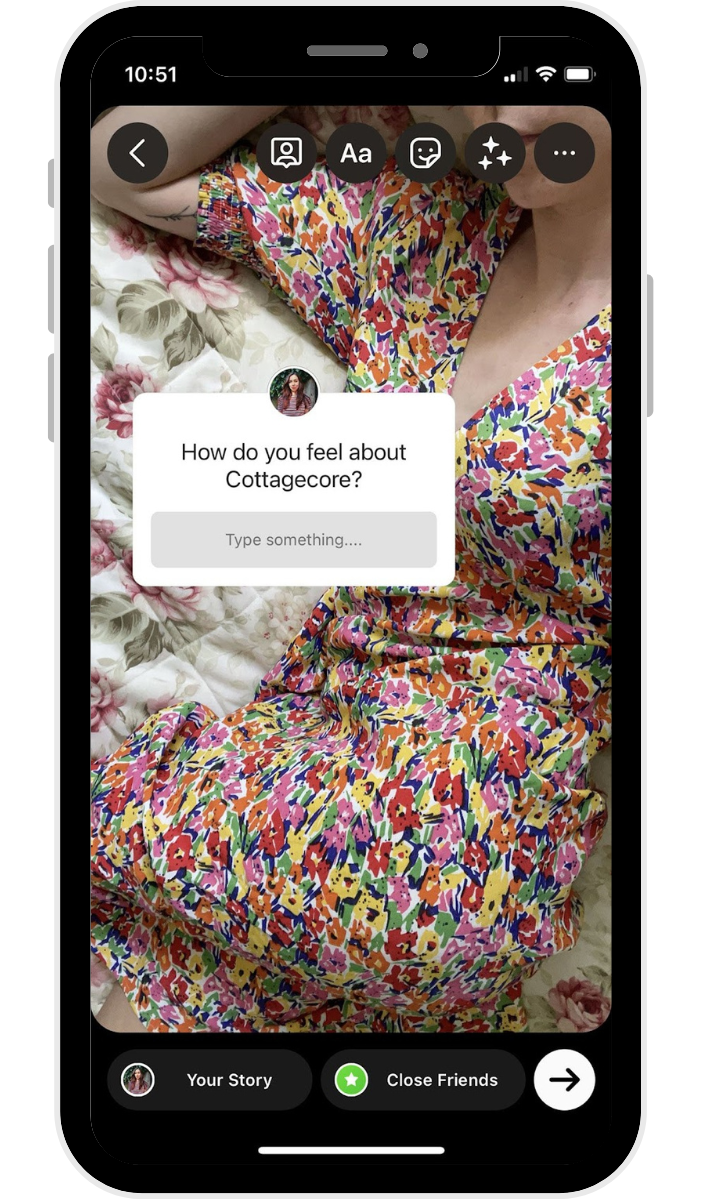
- Question: A versatile sticker enabling creators to ask open-ended questions to their audience or, conversely, invite followers to ask them anything. This fosters direct dialogue and can be a rich source of content ideas for subsequent Stories.
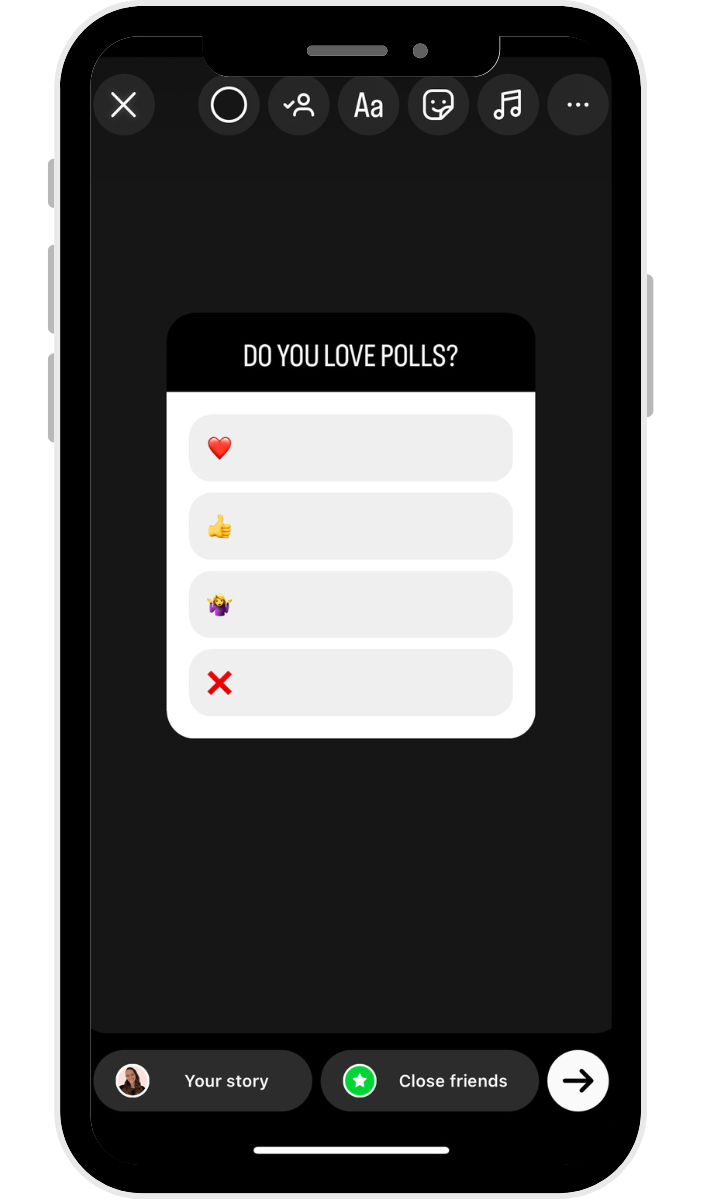
- Poll: Offers a simple, two-option voting mechanism, perfect for quick decision-making (e.g., "Which color?", "Yes/No"). The results can be shared back to the audience, making them feel part of the content creation process.
- Countdown: Builds anticipation for upcoming events, product launches, or deadlines. Followers can opt-in to receive a reminder when the countdown concludes, driving engagement and conversion.
- Link Sticker: Arguably one of the most impactful stickers, allowing all users (regardless of follower count) to embed clickable links directly into their Stories. This eliminates the "link in bio" barrier, enabling direct traffic generation to websites, blogs, product pages, and external content, significantly enhancing the monetization potential of Stories.
Extending the Lifespan: Instagram Story Highlights
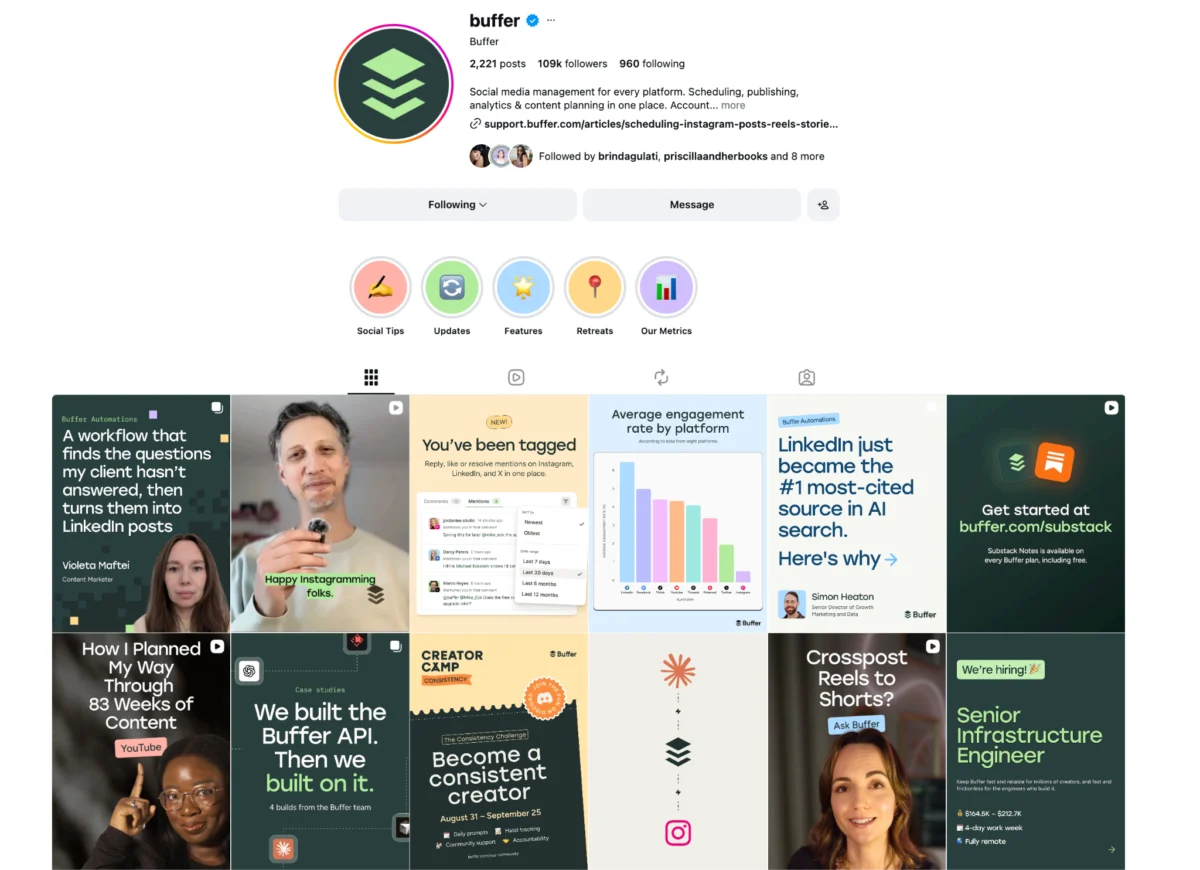
To address the ephemeral nature of Stories, Instagram introduced "Highlights." These curated collections of past Stories reside permanently on a user’s profile, appearing as tappable circles just below the bio. Highlights transform transient content into evergreen resources, acting as thematic content pillars that users can revisit at any time.
For brands and creators, Highlights are invaluable. They can serve as:
- FAQs: Answering common questions concisely.
- Product Catalogs: Showcasing specific product lines or new arrivals.
- Testimonials: Featuring positive customer reviews or user-generated content.
- Event Recaps: Preserving memories and information from past events.
- Tutorials: Offering step-by-step guides for products or services.
- Meet the Team: Introducing key personnel or the faces behind a brand.
Creating a Highlight is straightforward: users select existing Stories from their archive, group them under a chosen title, and design a custom cover icon. This functionality allows profiles to become more informative and navigable, ensuring that valuable content doesn’t vanish after 24 hours.
Measuring Impact: Instagram Story Analytics
For professional accounts (Creator or Business), Instagram provides robust analytics via "Instagram Insights," crucial for understanding Story performance and refining content strategy. Accessible directly from a live Story or through the main Insights dashboard, these metrics offer a deep dive into audience engagement:
- Reach: The number of unique accounts that viewed the Story.
- Impressions: The total number of times the Story was viewed (including repeat views by the same account).
- Interactions: Metrics like replies, sticker taps (polls, questions, links), profile visits, and website clicks.
- Navigation: Actions taken by viewers, such as "Forward" (tapped to the next Story), "Back" (tapped to the previous Story), "Next Story" (swiped to another account’s Story), and "Exited" (left the Stories viewer).
Analyzing these metrics allows creators and businesses to identify which types of content resonate most with their audience, determine optimal posting times, and understand where viewers drop off or engage most actively. Tools like Buffer offer advanced scheduling and analytics, enabling users to track performance trends over time and manage their content calendar efficiently.
Crafting a Winning Story Strategy
Developing an effective Instagram Story strategy hinges on understanding the platform’s algorithm and leveraging its features to maximize visibility and engagement. The Instagram algorithm prioritizes Stories based on factors such as viewer interaction history, direct message frequency, and content recency.
- Consistent Daily Posting: Research indicates that posting between one and seven Instagram Stories per day often yields the highest completion rates. Consistent presence keeps a profile at the forefront of followers’ Stories trays.
- Optimal Timing: Posting when the audience is most active is crucial. Instagram Insights provides data on "Most Active Times," allowing creators to schedule content strategically. Third-party tools can further streamline this process.
- Harnessing Creative Features: Utilizing Instagram’s native creative tools and stickers enhances engagement. It’s important to note that the algorithm may limit the reach of Stories bearing visible watermarks from other platforms (e.g., TikTok), making native content creation or clean video uploads preferable.
- Strategic Use of Instagram Story Ads: For businesses, Story ads offer a full-screen, immersive advertising experience. These ads integrate seamlessly into the Story flow, providing targeted reach and direct conversion opportunities, especially when linked with an Instagram Shop.
- Branded Templates: Employing consistent templates for Stories ensures brand cohesion and allows for efficient batch content creation, aligning with overall visual identity across all Instagram content, including Reels and feed posts.
The Ongoing Evolution and Broader Implications
Instagram Stories have evolved far beyond a simple ephemeral sharing feature; they are now a sophisticated ecosystem for communication, community building, and commerce. Their impact on digital marketing is profound, compelling brands to adopt more authentic, responsive, and interactive content strategies. The emphasis on real-time updates and direct engagement has reshaped user expectations, fostering a desire for transparency and immediate connection. As Instagram continues to innovate, introducing new features and refining existing ones, Stories will undoubtedly remain a central pillar of the platform, continuing to influence how individuals and businesses connect in the ever-evolving digital landscape.
Frequently Asked Questions about Instagram Stories
What is the fundamental difference between an Instagram Story and a regular post?
The primary distinctions lie in lifespan and intent. Stories are temporary, disappearing after 24 hours, and are ideal for casual, interactive, in-the-moment updates with existing followers. Regular feed posts are permanent, reside on your profile grid, contribute to your overall aesthetic, and are generally aimed at reaching new audiences and building a curated presence.
How long does an Instagram Story remain visible?
Each Instagram Story is active and visible for 24 hours from the time it is posted. After this period, it is moved to your private Story Archive (if enabled) but can be manually saved to a permanent "Highlight" on your profile.
Is there a limit to how many Instagram Stories I can post in a day?
Instagram does not impose an official daily limit on the number of Stories you can post. However, user behavior research suggests that posting between one and seven Stories per day often yields the highest completion rates, as audiences may "tap through" or disengage if there are too many segments.
How can I locate someone’s Instagram Story?
Active Stories appear as colorful rings around profile pictures in the "stories tray" at the very top of your Instagram home screen. Simply tap on a profile picture with a ring to view their Story. If a user has an active Story but isn’t in your tray, you can visit their profile directly and tap their profile photo.
Can I see who has viewed my Instagram Story?
Yes. To see your Story’s viewers, open your active Story and tap the "Activity" icon (often represented by an eye or viewers’ profile pictures) in the lower-left corner. A list of all unique accounts that have viewed your Story will be displayed. This data is typically available for 48 hours after the Story expires.
Does Instagram notify users if I view their Story?
Yes, when you watch someone’s Instagram Story, your username is added to their viewer list, which only the Story owner can access. They will see that you viewed it, but not how many times you watched it. It’s worth noting that Instagram has reportedly explored features allowing premium users to view Stories anonymously.
Does Instagram alert users if I screenshot their Story?
No. Instagram does not currently notify users when someone takes a screenshot or screen recording of their regular Story content. This privacy policy differs from certain other ephemeral messaging features, like Vanish Mode DMs, where notifications for screenshots are provided.