 rifanmuazin
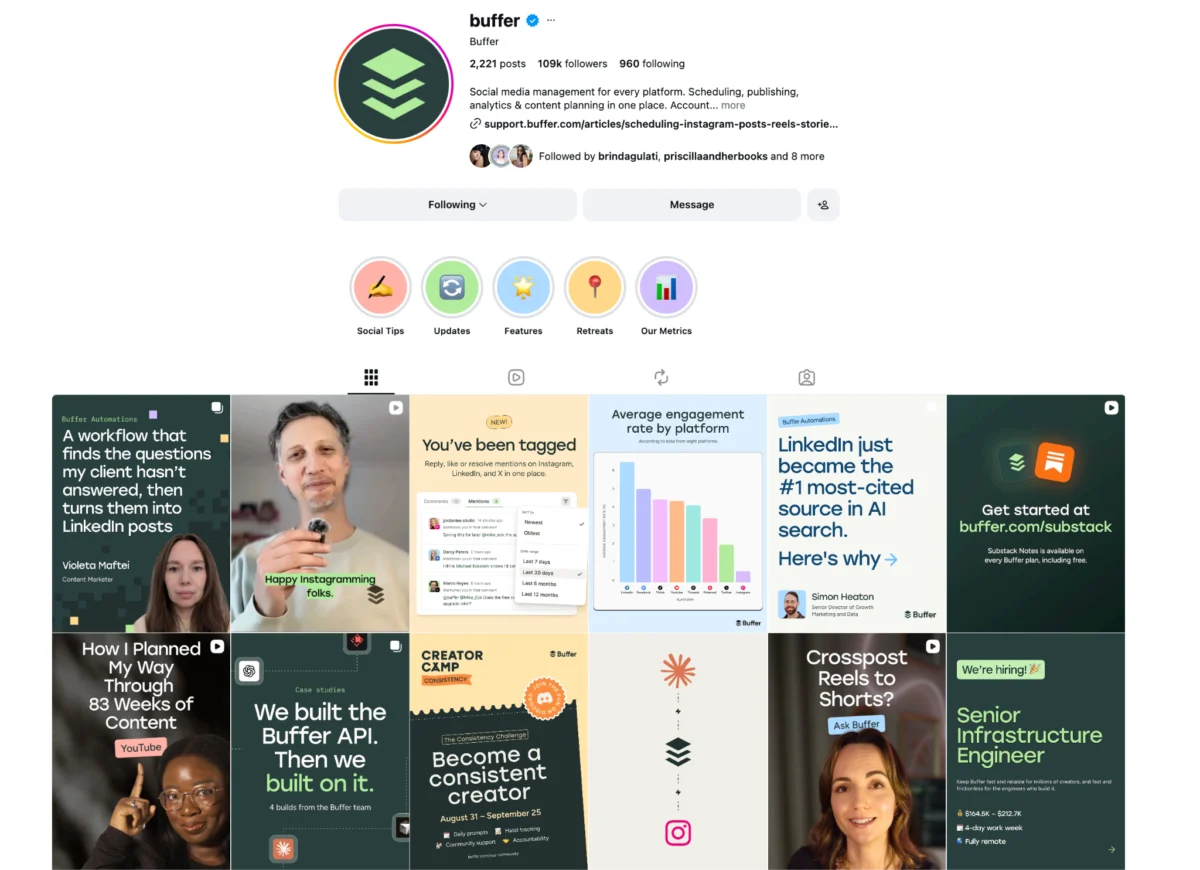
A recent comprehensive analysis has revealed that LinkedIn carousel posts are significantly outperforming other content formats on the professional networking platform, demonstrating an engagement rate 585% higher than traditional text posts. This finding, based on Buffer’s "State of Social Engagement Report," which scrutinized over 52 million posts from more than 200,000 accounts, underscores a pivotal shift in content consumption and algorithmic preference on LinkedIn. The data positions carousels as an indispensable tool for individuals and brands aiming to maximize their reach, foster deeper connections, and establish thought leadership in an increasingly crowded digital landscape.
The Algorithmic Advantage: Why Carousels Reign Supreme
The exceptional performance of LinkedIn carousels is not merely coincidental; it is largely attributed to the platform’s algorithm, which actively promotes this interactive format. LinkedIn, like other social media platforms, prioritizes content that encourages longer dwell times and higher user engagement. Carousels, by their very nature, compel users to swipe through multiple slides, transforming passive scrolling into an active interaction. This extended engagement signals to the algorithm that the content is valuable and captivating, leading to increased visibility in users’ feeds.
Furthermore, carousels effectively break the monotony of the standard feed, which is often dominated by text updates, single images, or videos. The visual appeal and interactive element of a multi-slide presentation capture attention more readily, inviting exploration. This mechanism is similar to the success observed with Instagram carousels, which have long been lauded for their ability to tell a richer story or convey more information than a single image. For the user, the act of swiping through a carousel feels like a reward, offering a sequential narrative or a digestible breakdown of complex information, thereby enhancing the overall user experience and encouraging continued interaction with the post.
Dissecting Engagement: A Deeper Look at the Data
The staggering 585% engagement uplift compared to text posts represents a critical insight for content strategists. This isn’t just a marginal improvement; it signifies a paradigm shift in how professional content is consumed and valued on LinkedIn. For individuals focused on personal branding, this means carousels offer an unparalleled opportunity to showcase expertise, share insights, and build a reputation as an industry authority. For businesses, it translates into enhanced employer branding, more effective lead generation, and a stronger connection with their target audience.
The Buffer report’s extensive dataset, encompassing millions of posts, lends significant credibility to these findings. Such a large-scale analysis mitigates the risk of anecdotal evidence, providing a robust, data-driven mandate for adopting carousels. The underlying implication is clear: content that demands interaction and delivers value in an easily digestible, visually appealing format is rewarded by the platform’s distribution mechanisms. This trend is a testament to the evolving digital literacy of users who increasingly prefer "snackable" content that can be consumed efficiently on mobile devices, where a significant portion of LinkedIn activity occurs.
The Evolution of Content on Professional Platforms
LinkedIn’s journey as a content platform has seen several evolutions. Initially a professional networking site, it gradually embraced content creation, starting with text posts, then incorporating images and native video. The introduction and subsequent algorithmic favoring of carousels mark another significant milestone, reflecting a broader industry trend towards interactive and visually rich content. This evolution is driven by user preferences for more engaging formats and platforms’ desires to increase user retention and time spent on site.
The "design hurdle" associated with creating visually appealing carousels has historically been a barrier for many. However, the proliferation of user-friendly design tools like Canva, coupled with readily available templates and guides (such as Buffer’s own resources), has significantly lowered this entry barrier. This accessibility empowers even those with limited design skills to produce professional-looking multi-slide content, democratizing the creation of high-performing posts. The primary challenge has thus shifted from technical execution to strategic ideation: what valuable information can be best conveyed through a carousel?
Strategic Applications: 11 Pathways to Professional Impact
The versatility of the carousel format allows for a myriad of strategic applications, catering to diverse objectives ranging from education and brand building to direct lead generation. Here, we delve into eleven proven approaches, each offering a unique way to leverage the power of LinkedIn carousels.
-
Educate and Inform:

- Industry News: Carousels serve as an excellent medium for summarizing recent industry updates, platform changes, or emerging trends. By breaking down complex news into swipeable slides, creators can position themselves as current, in-the-know sources. This not only keeps the audience informed but also establishes the author as a reliable filter for critical information, attracting the algorithm’s favor through increased saves and shares. Examples like Girl Power Marketing, with their distinctive visual branding and tone, effectively distill social media updates, making them instantly recognizable and highly savable.
- Step-by-Step Instructions: Ideal for tutorials, frameworks, or "how-to" guides, this format breaks down a process into one actionable step per slide. The sequential nature of carousels naturally lends itself to structured learning, making complex procedures easy to follow. Jay Clouse’s guide on holiday season posting, or Alex Smith’s breakdown of strategic phrases, exemplify how numbered lists within carousels manage reader expectations and facilitate comprehension.
- Interesting Facts and Insights: Sharing surprising statistics, trivia, or research findings in a carousel format is highly effective for driving saves and shares. The element of novelty and intrigue encourages engagement, making the content memorable. Mad Over Marketing’s carousel detailing Movado’s design inspiration is a prime example of an unexpected story about a well-known brand that resonates strongly with an audience.
- Complex Data into Digestible Frames: Carousels excel at translating dense statistics or intricate frameworks into easily digestible ideas, with one core concept per slide. This approach demystifies complex topics that might overwhelm readers in a traditional text post. Buffer’s own presentation of "best time to post" data across platforms showcases the discipline of condensing information into single, impactful frames, making research accessible and actionable.
-
Build Brand and Community:
- Company Culture and Employee Highlights: These carousels feature employees, behind-the-scenes moments, or company values, effectively humanizing the brand and bolstering employer branding efforts. Showcasing individuals within a larger organization, as Buffer does with new team members, fosters a sense of welcome and appreciation, making the company appear more approachable and attractive to potential candidates.
- Thought Leadership: Sharing original frameworks, unique opinions, or expert advice through carousels is a powerful way to build authority in a specific niche. The key lies in specificity and the development of named frameworks or repeatable structures, rather than generic opinions. Sam Browne’s contrarian take on inbound lead generation or Eddie Shleyner’s micro lessons on copywriting demonstrate how to deliver concise, impactful insights that establish expertise and encourage further engagement with their content.
- Collaborative Content: Co-creating content with another expert or brand allows for shared distribution and audience expansion. This strategy, exemplified by Ryan Musselman and Richard van der Blom’s collaboration on LinkedIn banner design, exposes both creators to new audiences, fostering mutual growth. The soft handoff at the end, encouraging followers to connect with the collaborator, amplifies this effect.
- Community/Audience Highlights: Featuring members of one’s audience or community is a potent strategy for fostering engagement and belonging. Passionfroot showcasing client success stories or Klaviyo highlighting their "Klaviyo Champions" publicly acknowledges and celebrates their users, reinforcing community bonds and positioning the brand as a valuable hub for peer-to-peer learning and advocacy.
- Micro Interviews: These short Q&A posts with experts deliver interview highlights or even full interviews directly within the LinkedIn feed, respecting the busy nature of users. MOI Global’s interview highlights with Dave Harland, offering key takeaways and a call to action for the full version, demonstrate how to deliver expert insights in a highly consumable format.
-
Showcase Value and Drive Action:
- Product or Service Showcase: Carousels can effectively walk through a feature, use case, or customer story, functioning as mini case studies directly within the feed. The strategy here is to dedicate one feature or aspect per slide, building a narrative arc (problem-solution-result) that entices users to swipe through. Jens Joseph Mannanal’s case study of Superhuman leveraging Passionfroot illustrates this, using a customer quote to add credibility and humanize the solution.
- Zero-Click Content from Existing Media: This strategy involves repurposing content from other sources (like podcasts, blog posts, or videos) into standalone carousels that deliver complete value without requiring an external link. While still encouraging further exploration, these carousels maximize in-feed engagement by providing immediate insights. Jay Clouse effectively uses content from his podcast to create carousels that offer standalone value, encouraging listeners to delve deeper into the full episode.
From Organic Reach to Targeted Advertising: LinkedIn Carousel Ads
While the discussion above primarily focuses on organic carousels, LinkedIn also offers a powerful paid advertising format: carousel ads. These are sponsored posts run through Campaign Manager and come with distinct features and advantages. Unlike organic posts, carousel ads typically have a maximum of 10 cards, support per-card call-to-action (CTA) buttons, and leverage LinkedIn’s robust targeting capabilities (by job title, seniority, industry, company size, etc.) to reach highly specific professional audiences. This makes them exceptionally effective for lead generation, driving website traffic, and promoting specific products or services to a precisely defined demographic. When designing carousel ads, each card should be treated as a single, compelling advertisement that earns the next swipe, with the ultimate goal of guiding the user towards the final CTA. Both organic and paid carousels typically utilize 1080×1080 pixel cards for optimal display.
Mastering the Medium: Best Practices and Design Principles for 2026
The most successful LinkedIn carousels are a synergy of thoughtful structure, compelling storytelling, and consistent visual branding. As we look towards 2026, these principles will only become more critical.
- Structure for Easy Consumption: Aim for an optimal slide count of six to nine slides. This range is long enough to convey substantial information but short enough to maintain user attention. Each slide should be concise, focusing on one key idea or step, making the content digestible in a quick swipe-through. Overloading slides with text or visuals can deter engagement.
- Tell a Cohesive Story: A carousel should take the reader on a journey, whether it’s unpacking an insight, detailing a case study, or explaining a complex concept. Start with an engaging hook or a clear problem statement, build through a logical sequence, and deliver significant value or a resolution by the end. Storytelling transforms a mere collection of facts into a memorable experience.
- Include a Clear Call to Action (CTA): What action do you want your audience to take after consuming your carousel? Whether it’s to visit your website, sign up for a newsletter, download a resource, or connect with you, the CTA must be explicit, specific, and prominently placed, typically on the final slide.
- Maintain Consistent Visual Branding: Carousels that feature consistent colors, fonts, layouts, and imagery week after week build strong brand recognition. Users should be able to identify your content from the cover slide alone. Utilizing design tools like Canva and creating a template library can streamline this process and ensure professional consistency.
- Optimize for Mobile Viewing: Given that a significant portion of LinkedIn users access the platform via their smartphones, mobile optimization is paramount. Ensure that text is legible on smaller screens, images are clear, and interactive elements are easily tappable.
- Embrace Accessibility: Incorporate alt text for images to ensure your carousels are accessible to users with visual impairments. Use clear, concise language and avoid overly complex jargon.
The Evolving Landscape of Professional Content
The ascendancy of LinkedIn carousels signals a broader trend in professional content marketing: a move towards more interactive, visually engaging, and highly digestible formats. Content creators and marketers must adapt to this shift, recognizing that passive consumption is giving way to active engagement. The demand for "snackable" yet valuable content is not a fleeting trend but a fundamental change in how professionals consume information and learn. As artificial intelligence tools become more sophisticated, they will likely further assist in overcoming the design and idea generation hurdles, making high-quality carousel creation even more accessible. The future of professional content on LinkedIn will likely see continued innovation in interactive formats, with carousels leading the charge in driving meaningful connections and measurable impact.
Conclusion: The Imperative of Adaptability
The data from Buffer’s report provides compelling evidence that LinkedIn carousels are not just another content option but a dominant force for engagement. For professionals and businesses alike, embracing this format is no longer optional but an imperative for maximizing visibility, building authority, and fostering a vibrant community. The key to success lies in understanding the algorithmic preference, leveraging the format’s storytelling capabilities, and adhering to best practices that prioritize user experience and mobile accessibility. By picking a relevant idea, experimenting with the format, and consistently refining their approach, creators can harness the immense power of LinkedIn carousels to achieve their professional and marketing objectives in the evolving digital landscape.
FAQs about LinkedIn Carousels
What is a LinkedIn carousel post?
A LinkedIn carousel is a multi-slide post that enables users to share several frames of content in a single, swipeable update. The most common organic format involves uploading a PDF document through the "Add a document" option in the post composer, where each page of the PDF becomes a slide in the carousel. Alternatively, users can create image-based carousels by uploading multiple images simultaneously.
What’s the difference between a LinkedIn carousel post and a LinkedIn carousel ad?
A LinkedIn carousel post refers to organic content shared for free from an individual’s profile or a company page. A LinkedIn carousel ad, conversely, is a sponsored post managed through Campaign Manager. Key differences include: carousel ads typically have a maximum of 10 cards (organic posts can have more slides depending on PDF length), support individual call-to-action (CTA) buttons on each card, and utilize LinkedIn’s advanced targeting tools (e.g., job title, seniority, industry) to reach a specific audience. Both formats commonly use 1080×1080 pixel cards for optimal display.
What size should a LinkedIn carousel be?
For image-based carousels, LinkedIn generally supports square (1080×1080 pixels) or portrait (1080×1350 pixels) dimensions as a minimum. For document/PDF carousels, which are the most prevalent organic format, it is recommended to design each page as either 1080×1080 pixels (square) or 1920×1080 pixels (landscape) to ensure the cleanest and most professional display when uploaded as a PDF file.