
In the fast-paced ecosystem of digital marketing, maintaining a consistent brand presence across multiple platforms has transitioned from a competitive advantage to a fundamental operational requirement. Industry research consistently demonstrates that consistency significantly outweighs sheer posting frequency when building algorithmic favor and audience retention. Yet, for solo creators, marketing agencies, and enterprise social media managers alike, the daily challenge of scheduling, planning, and executing campaigns often leads to operational fatigue. To combat this friction, digital strategists increasingly rely on centralized content calendars—structured frameworks designed to map out publishing schedules, track campaign metrics, and streamline content production.
The Strategic Evolution of Social Media Planning
Historically, social media management relied heavily on ad-hoc posting and fragmented spreadsheets, a method that frequently resulted in missed deadlines, duplicated efforts, and misaligned messaging. As social ecosystems expanded from a handful of dominant networks into a sprawling archipelago encompassing text-first platforms, video-centric channels, and professional networks, the complexity of content distribution grew exponentially.
By the mid-2010s, the industry began standardizing around dedicated digital planning tools. These systems evolved from basic date-tracking spreadsheets into sophisticated workspace environments capable of handling multimedia storage, cross-platform publishing, and performance analytics. Today, modern content calendars serve as the operational backbone for marketing departments, bridging the gap between high-level strategic planning and day-to-day execution.
Analyzing the Top 11 Content Calendar Templates and Tools
To accommodate diverse workflows, organizational preferences, and budgetary constraints, industry professionals utilize a wide array of calendar formats. Below is a detailed breakdown of 11 prominent calendar templates and systems currently utilized by content creators and marketing teams:
-
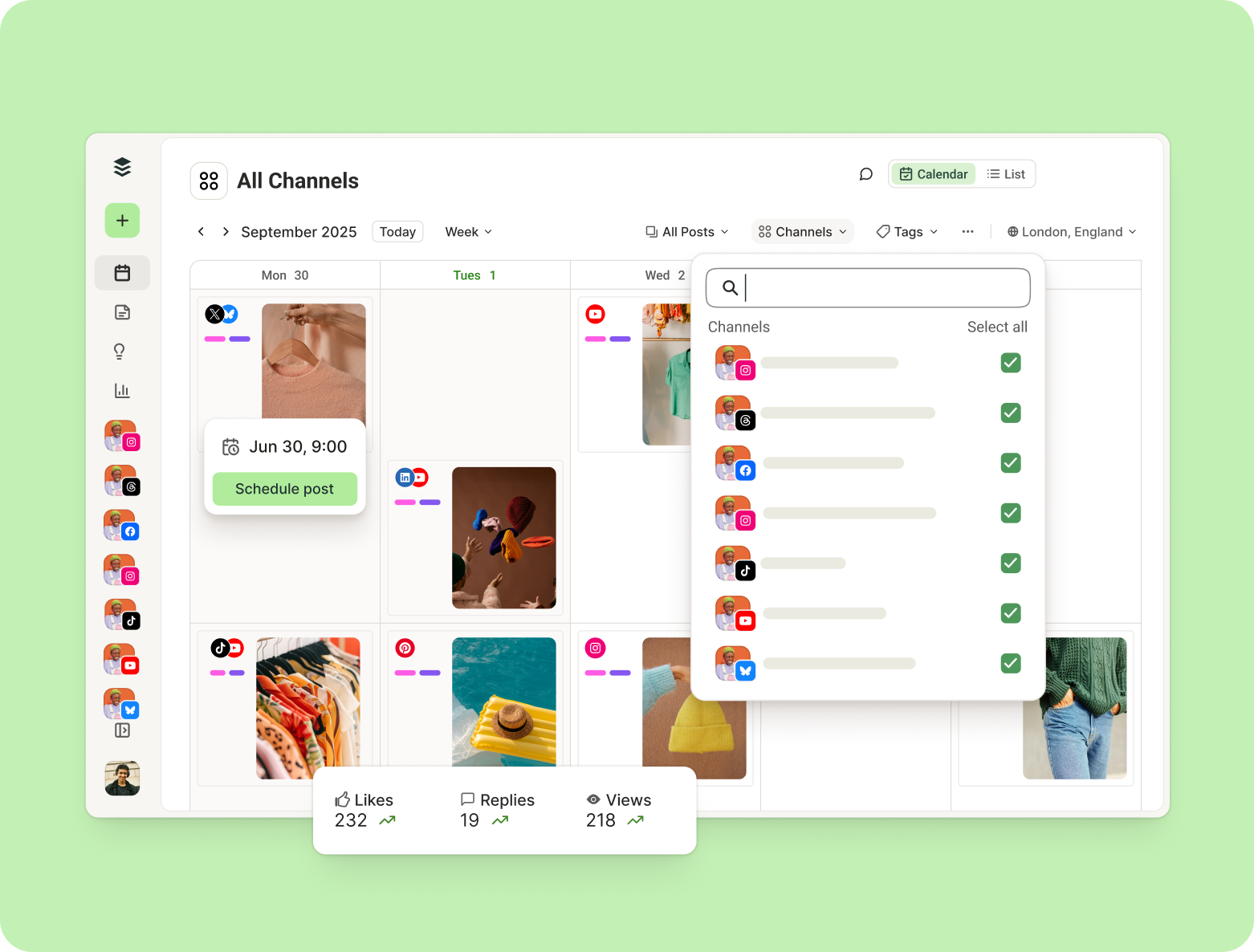
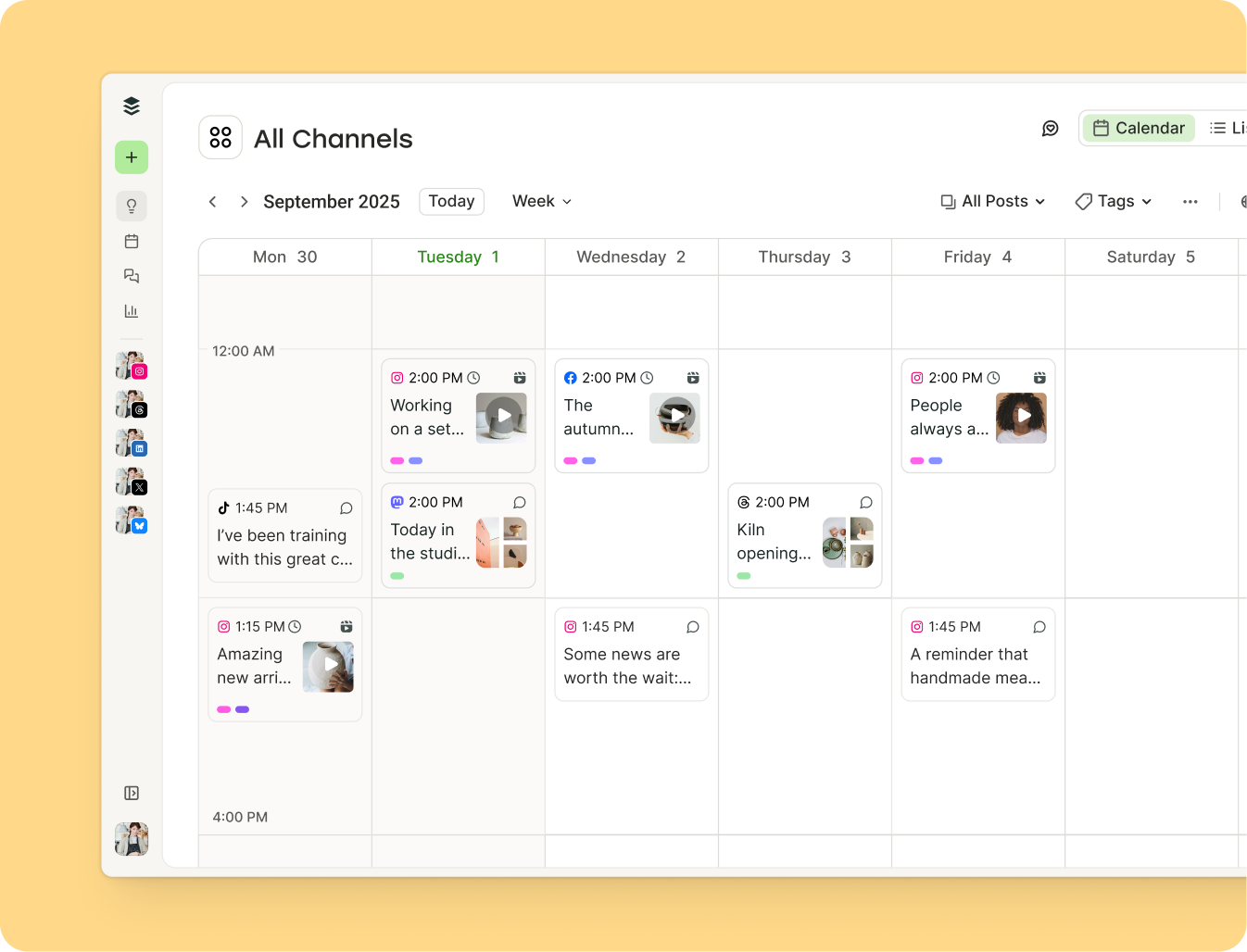
Buffer Social Media Calendar
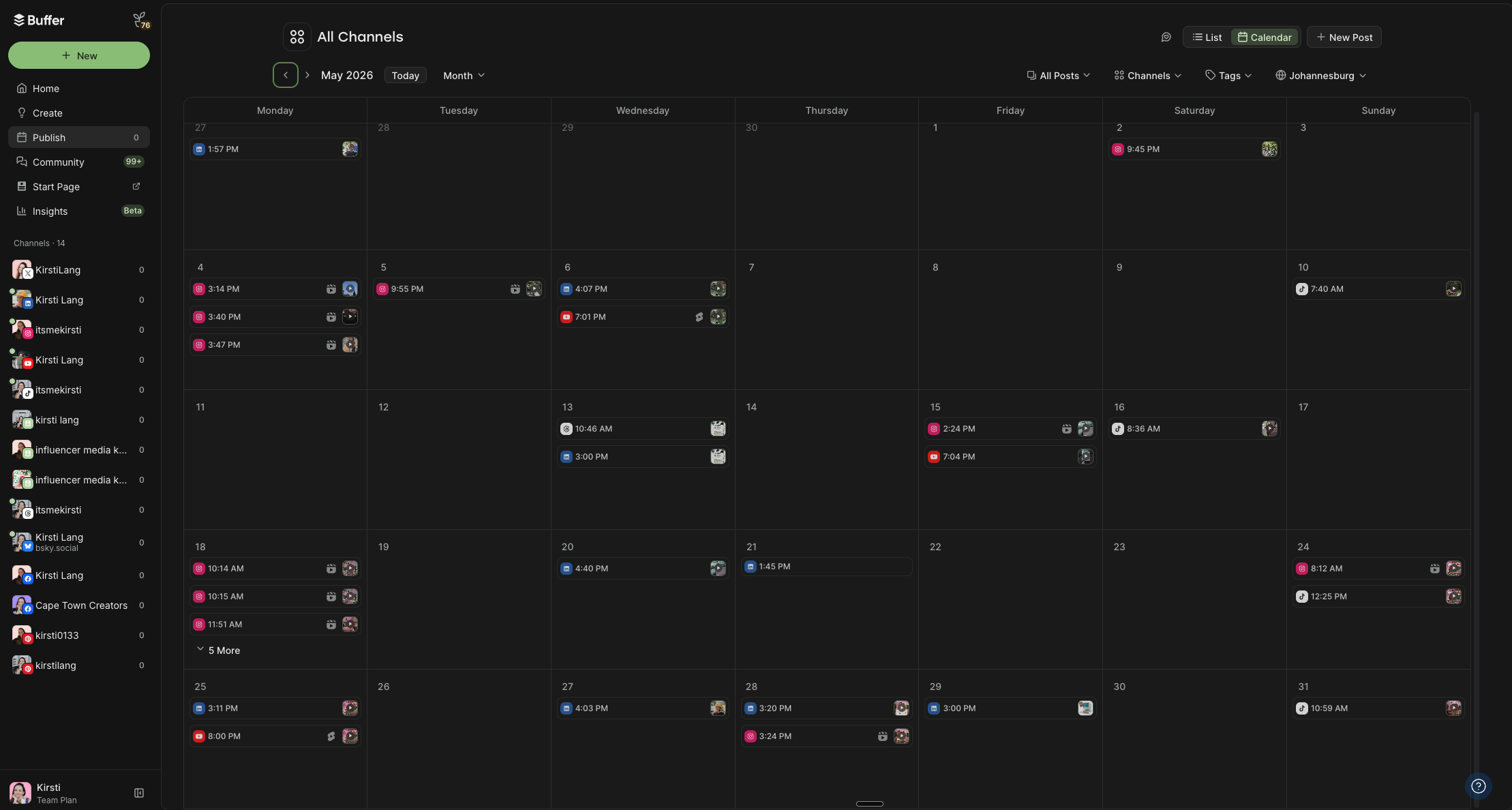
- Format: Integrated scheduling and publishing tool
- Best For: Comprehensive planning, content tagging, and automated cross-platform publishing.
- Overview: Combines visual weekly and monthly drag-and-drop views with direct publishing capabilities across major networks including Instagram, LinkedIn, TikTok, and X.
-
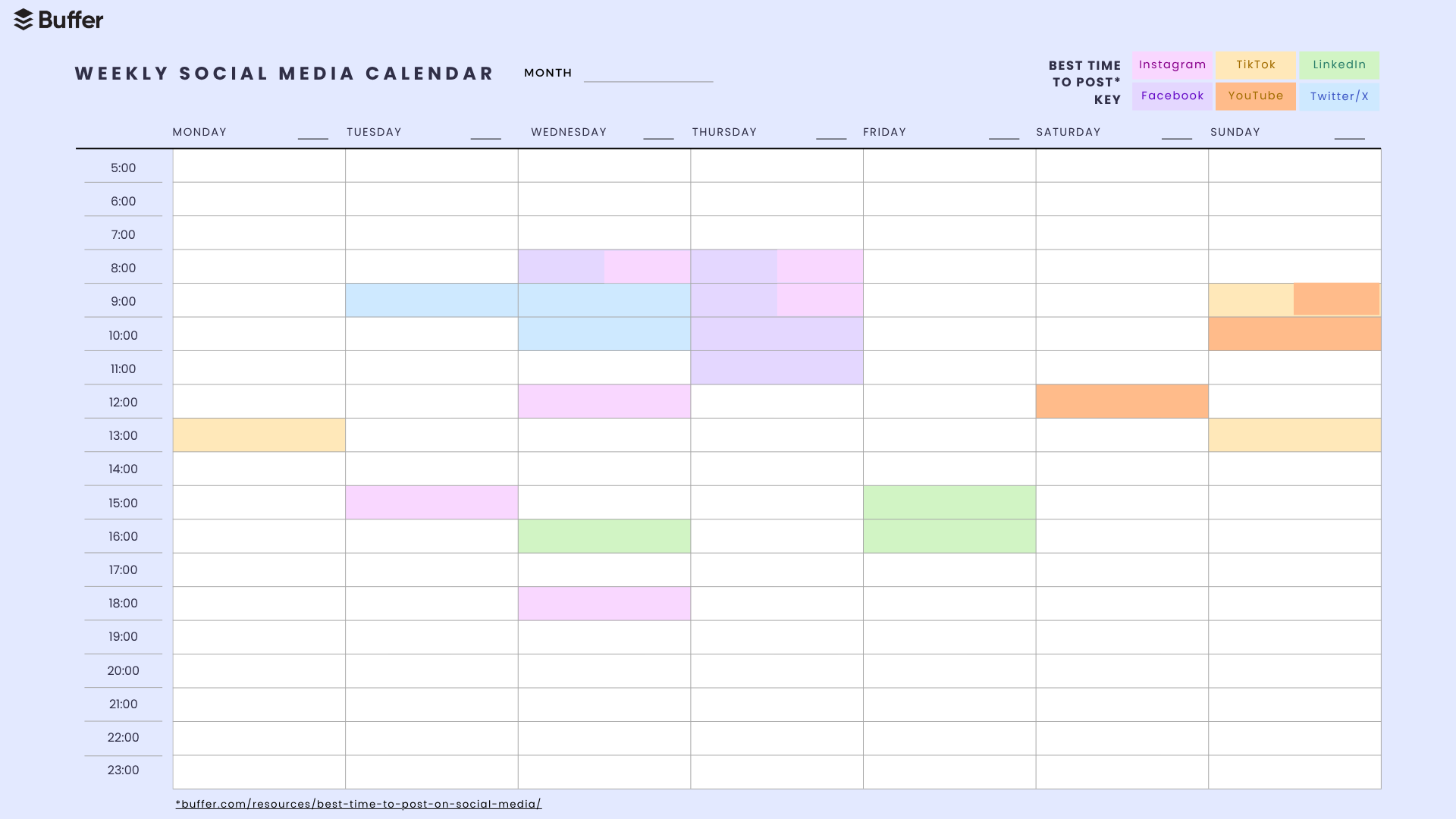
Best Times to Post Calendar Template
- Format: Downloadable PDF / Canva
- Best For: Optimizing engagement through data-backed timing.
- Overview: Incorporates empirical research derived from millions of posts to highlight optimal visibility windows across various social channels.
-
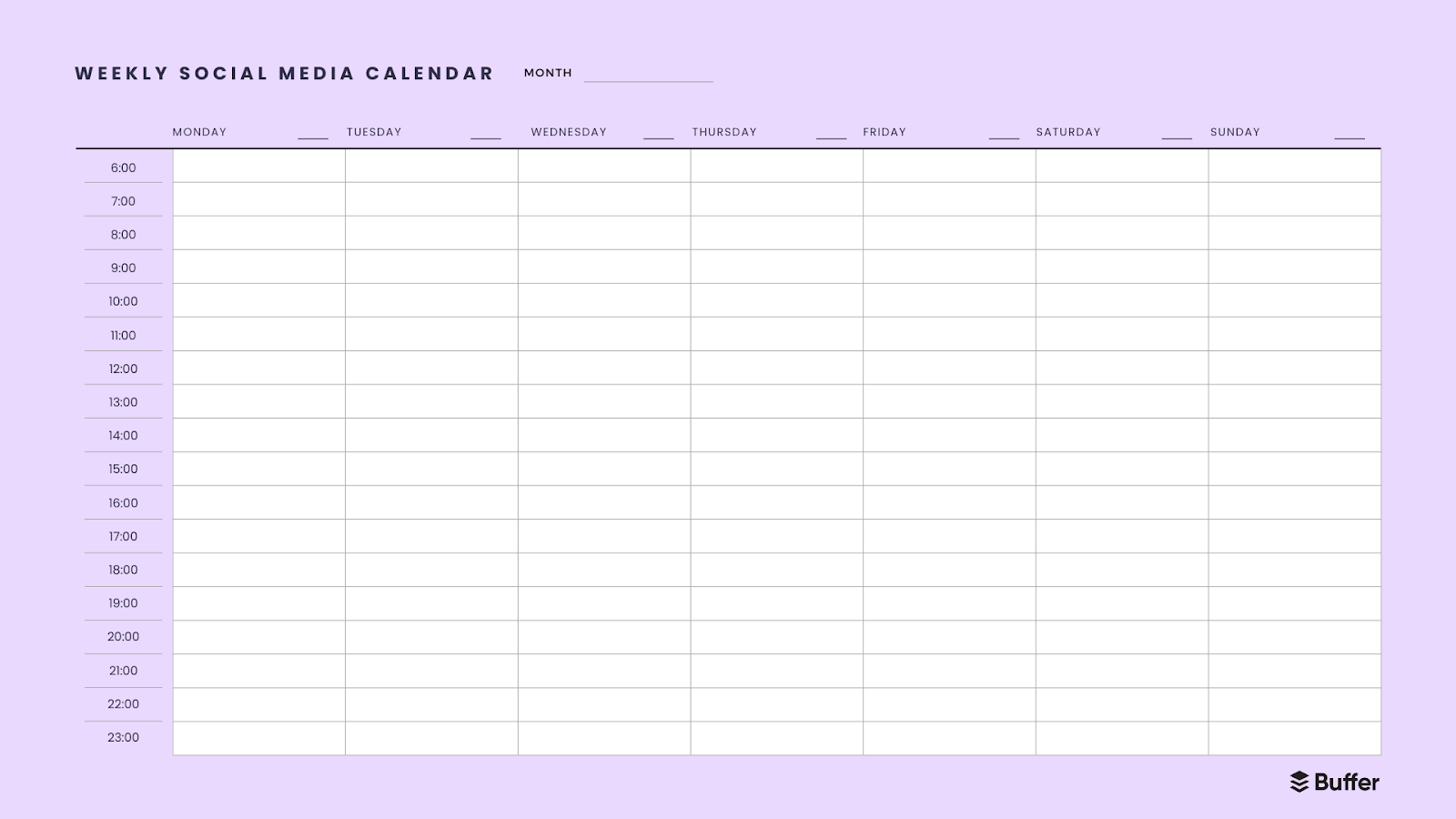
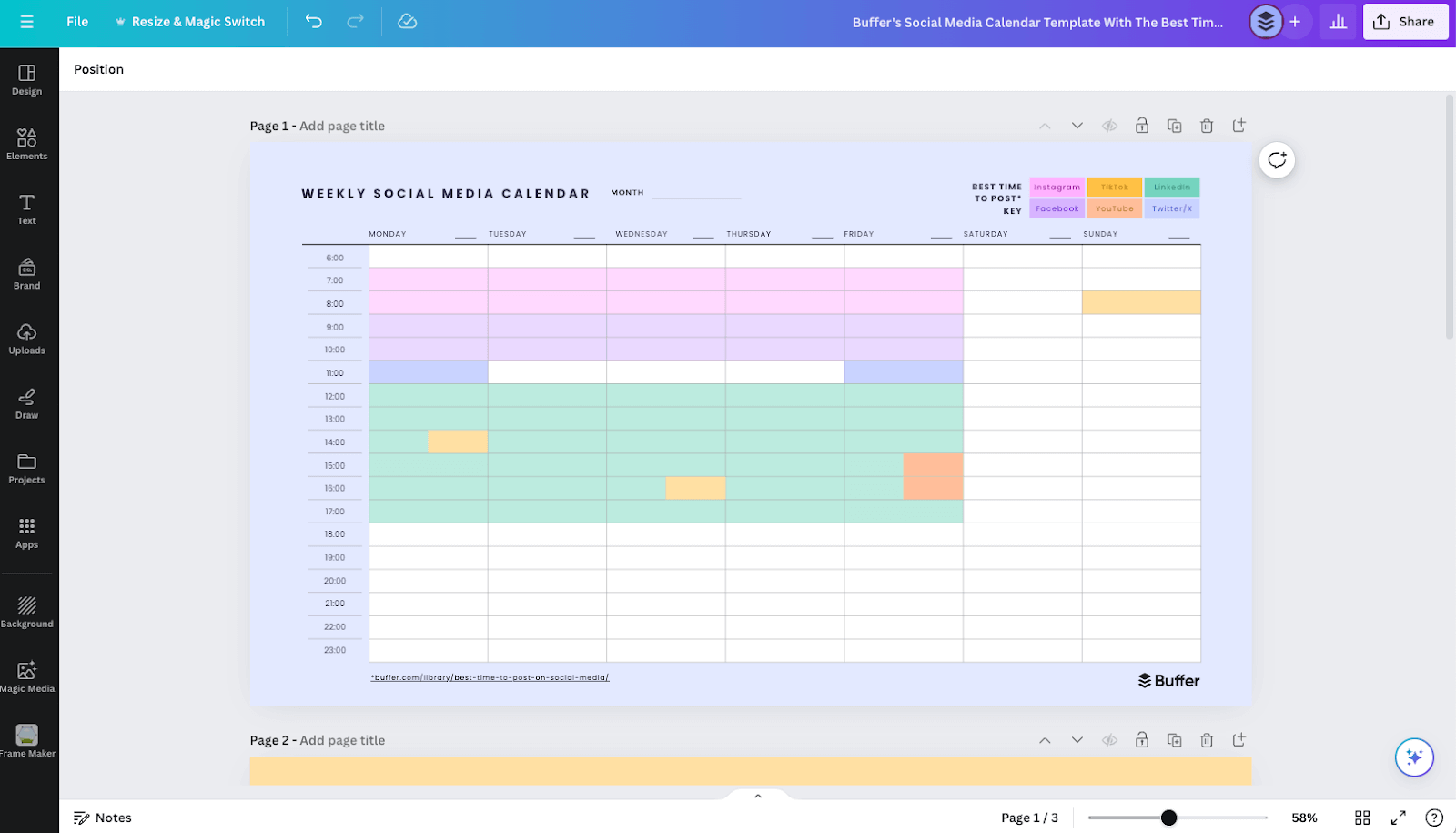
Simple Weekly Calendar Template
- Format: PDF / Canva
- Best For: Short-term operational mapping and tactical focus.
- Overview: Features a straightforward chronological layout from 6:00 AM to 11:00 PM, allowing users to plot a single week of content without algorithmic distractions.
-
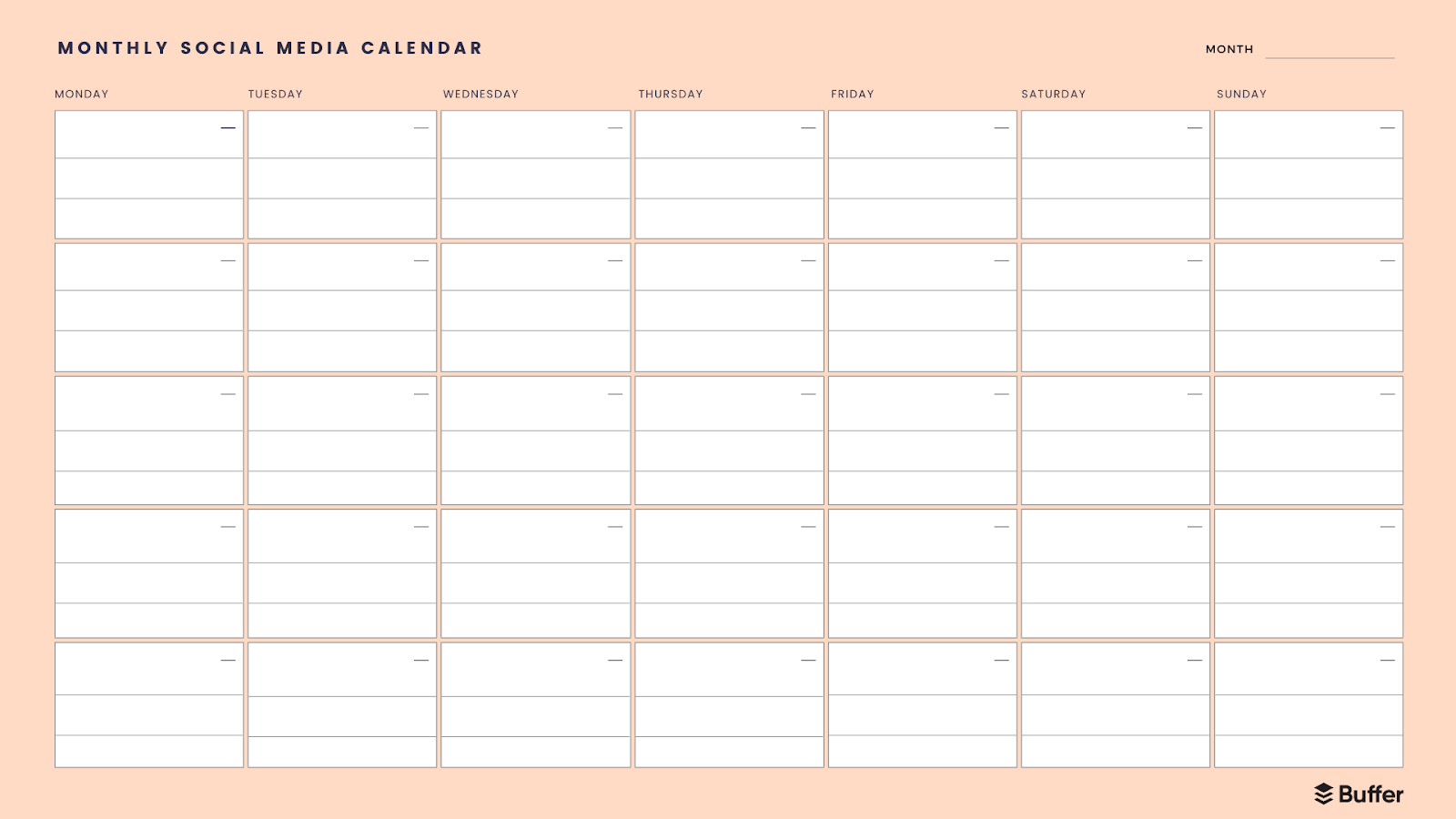
Simple Monthly Calendar Template
- Format: PDF / Canva
- Best For: Macro-level strategic oversight and campaign milestone tracking.
- Overview: Provides a high-level grid view for mapping broad content themes, product launches, and seasonal campaigns over a 30-day period.
-
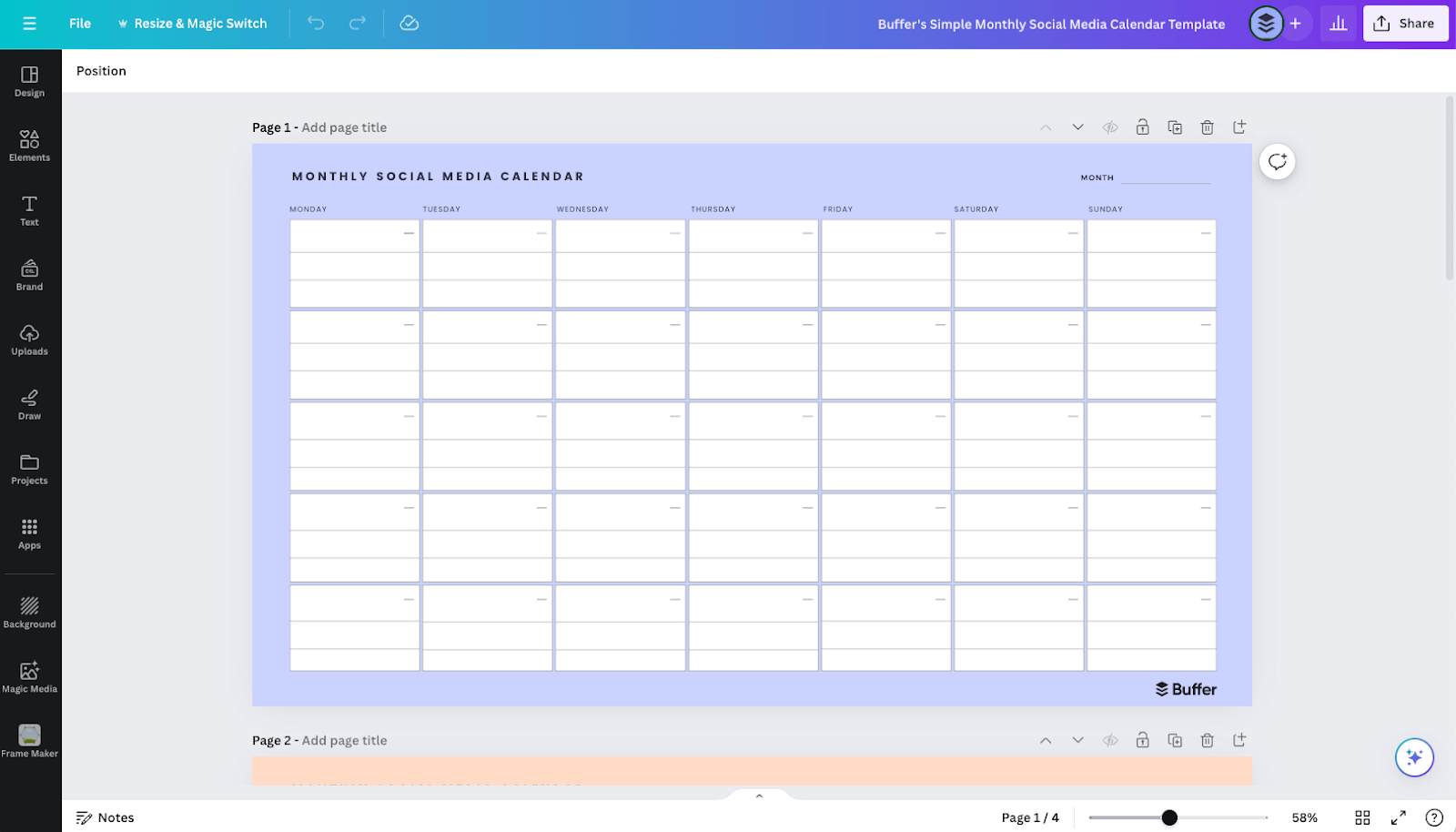
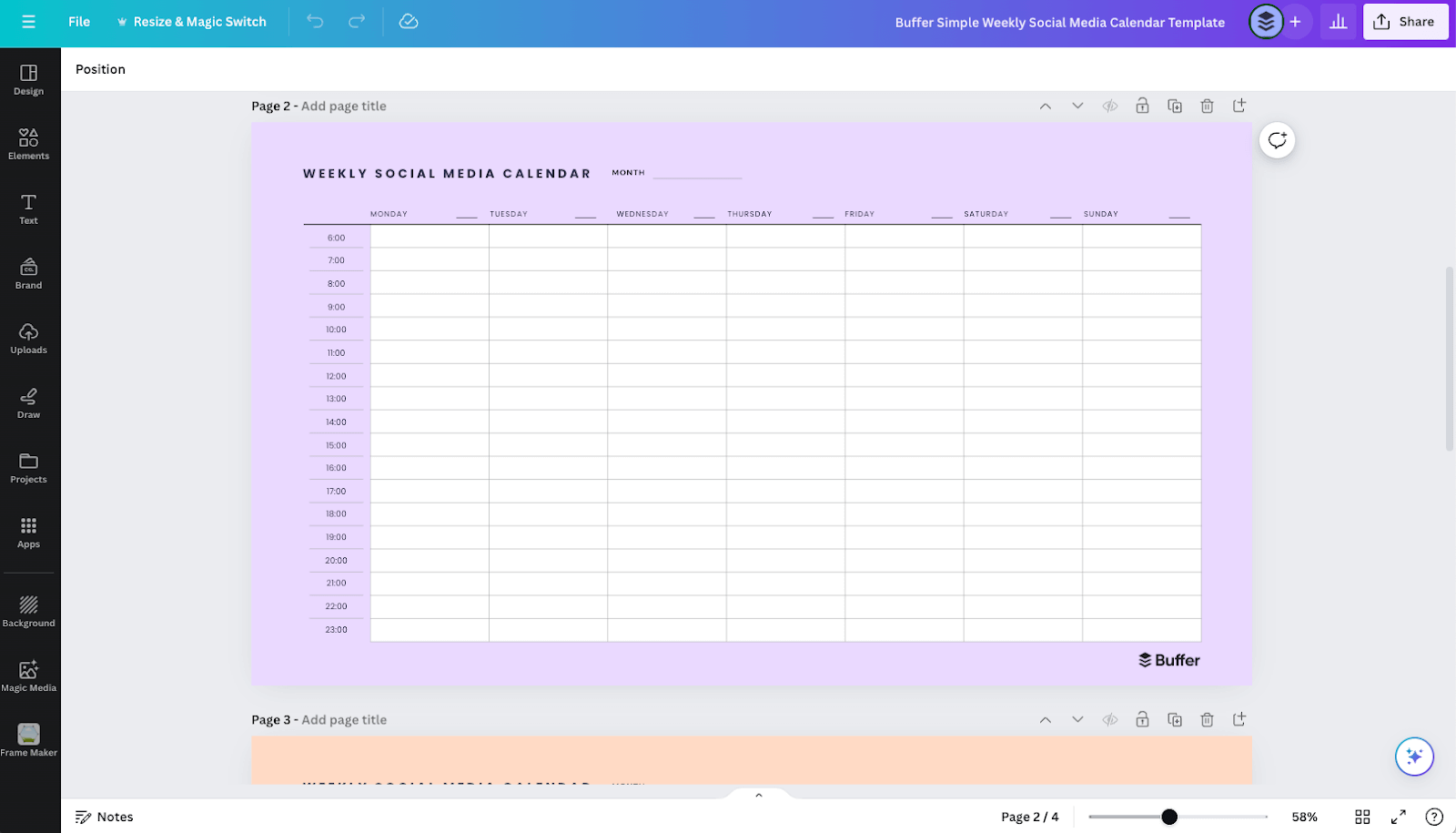
Canva Visual Design Calendars
- Format: Canva workspace
- Best For: Brand-aligned visual customization and graphic integration.
- Overview: Enables users to modify simple weekly and monthly layouts with custom typography, color palettes, and embedded creative assets.
-
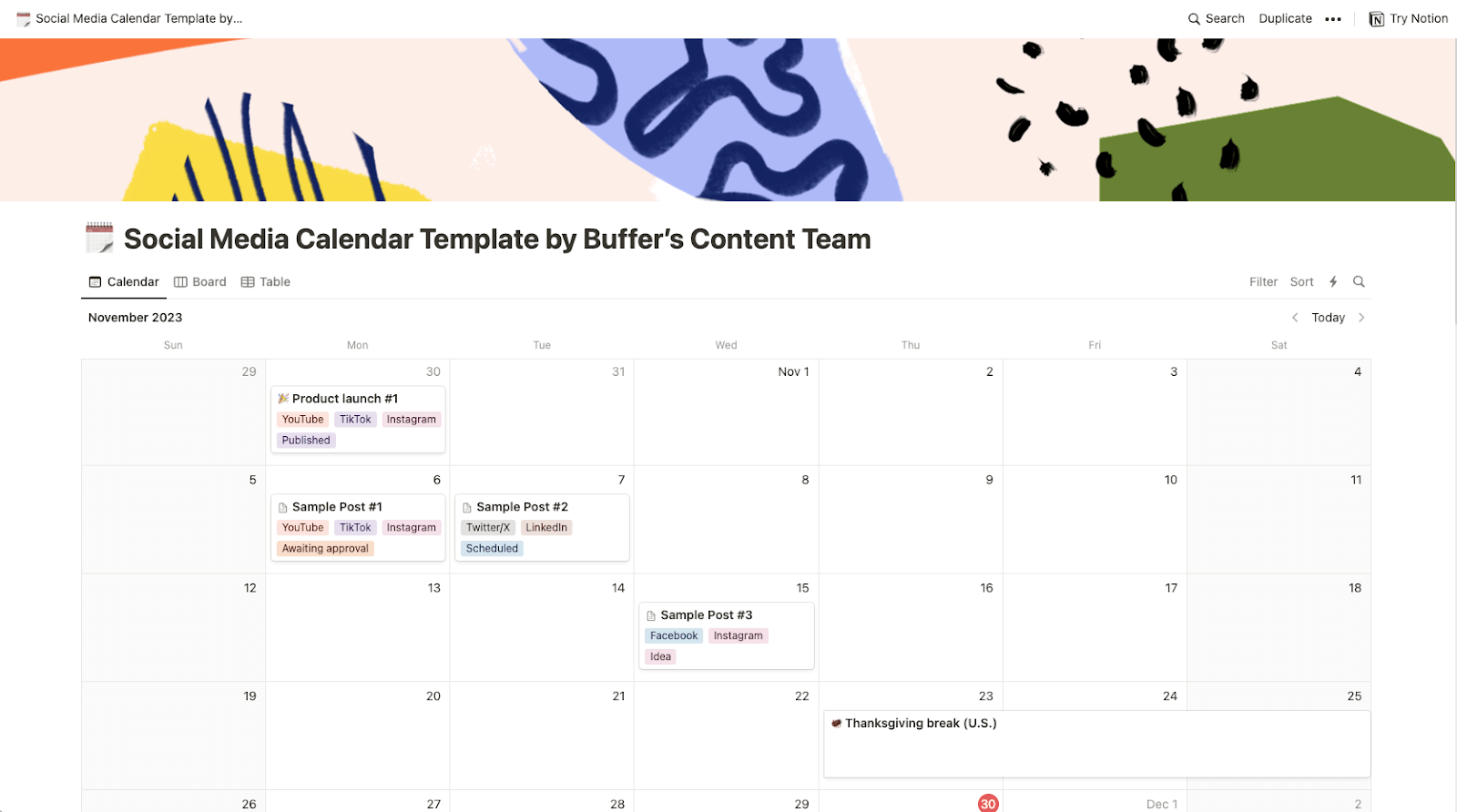
Notion Content Workspace
- Format: Notion database
- Best For: Centralized asset management and multi-format publishing.
- Overview: Combines calendar, table, list, and Kanban board views, allowing creators to store full copy, media files, and editorial notes directly within the scheduling interface.
-
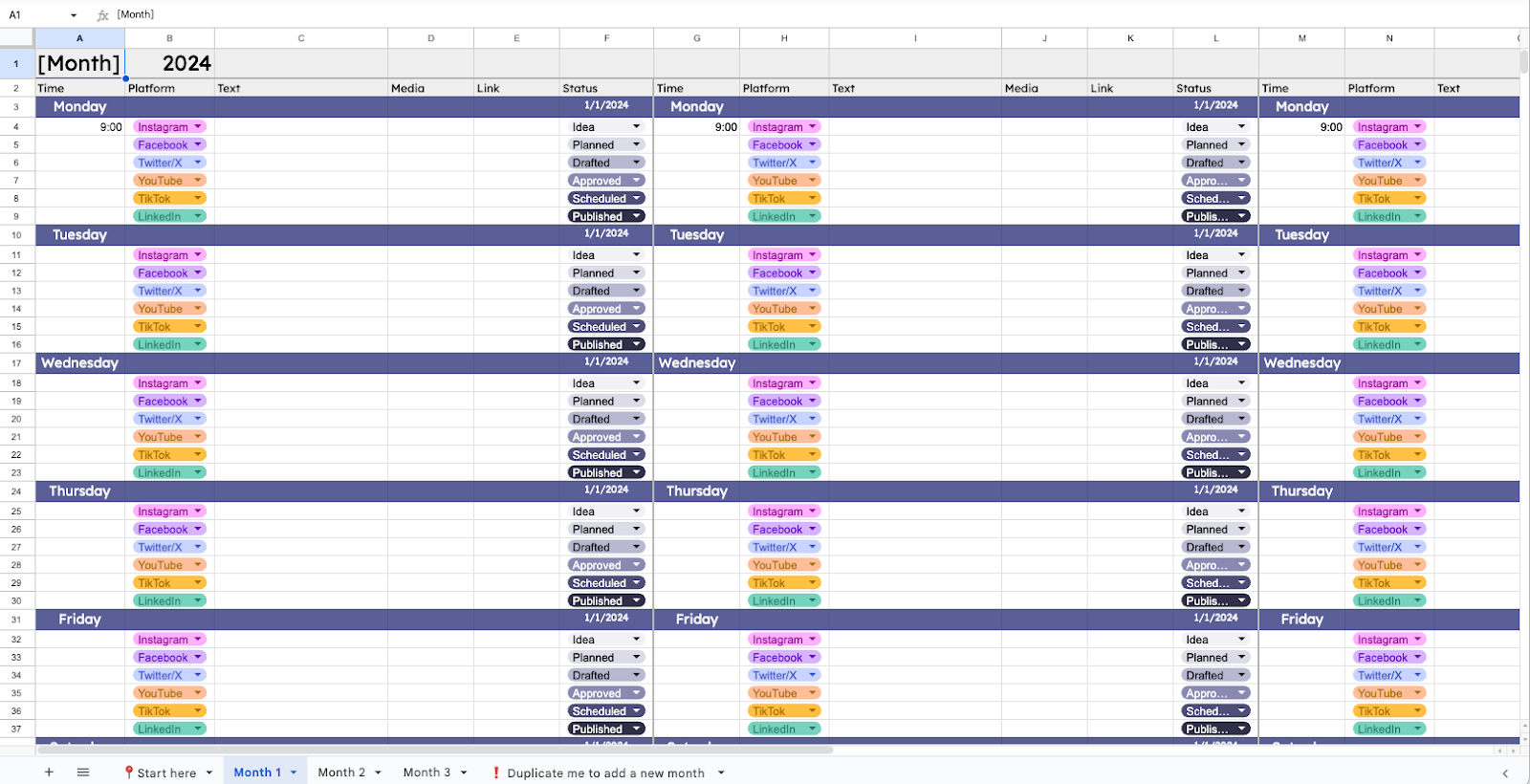
Google Sheets / Microsoft Excel Spreadsheet Templates
- Format: Cloud spreadsheet
- Best For: Highly customizable, cost-free data tracking and team collaboration.
- Overview: Offers infinite scalability through custom formulas, conditional formatting, and color-coded content pillar organization.
-
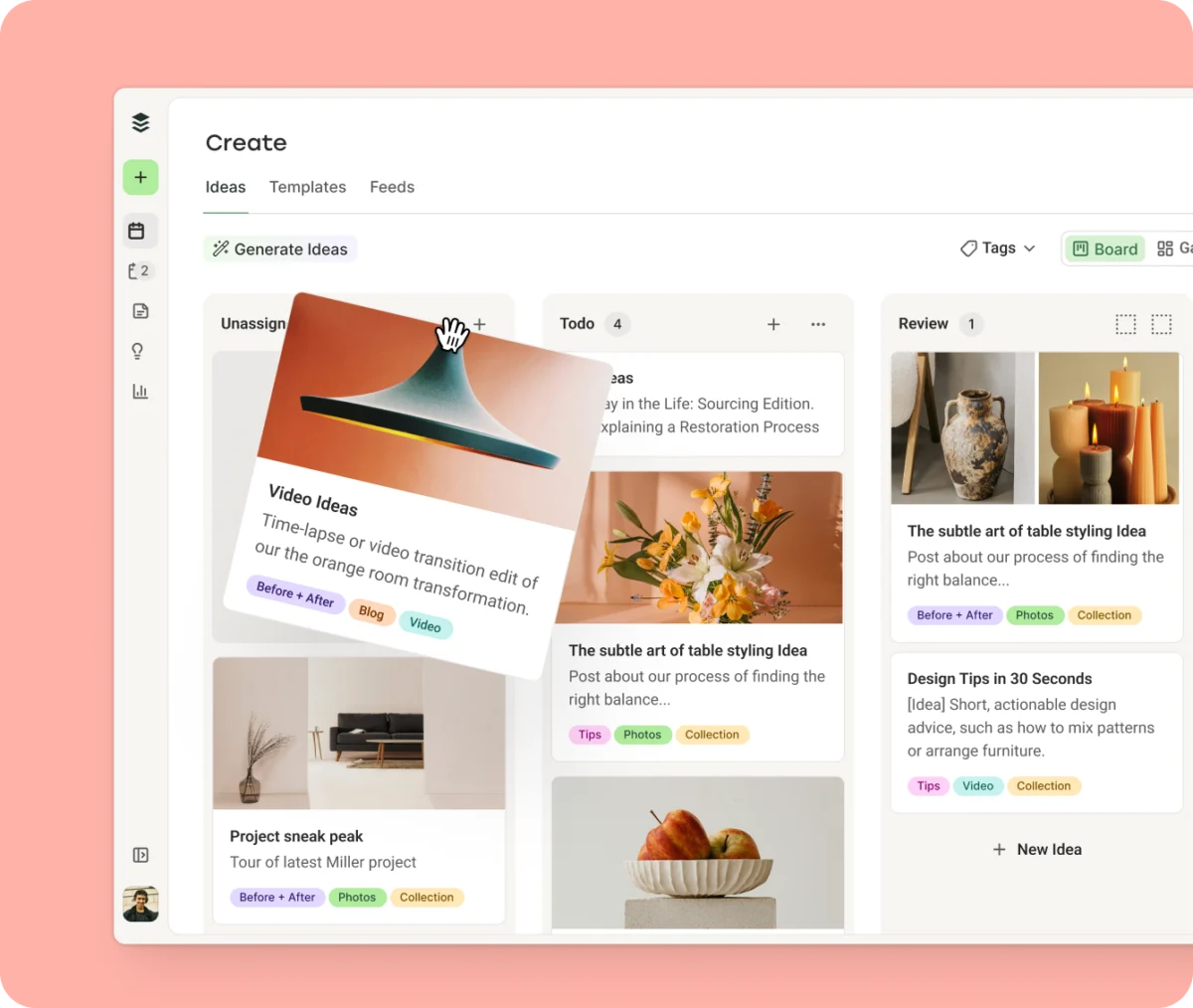
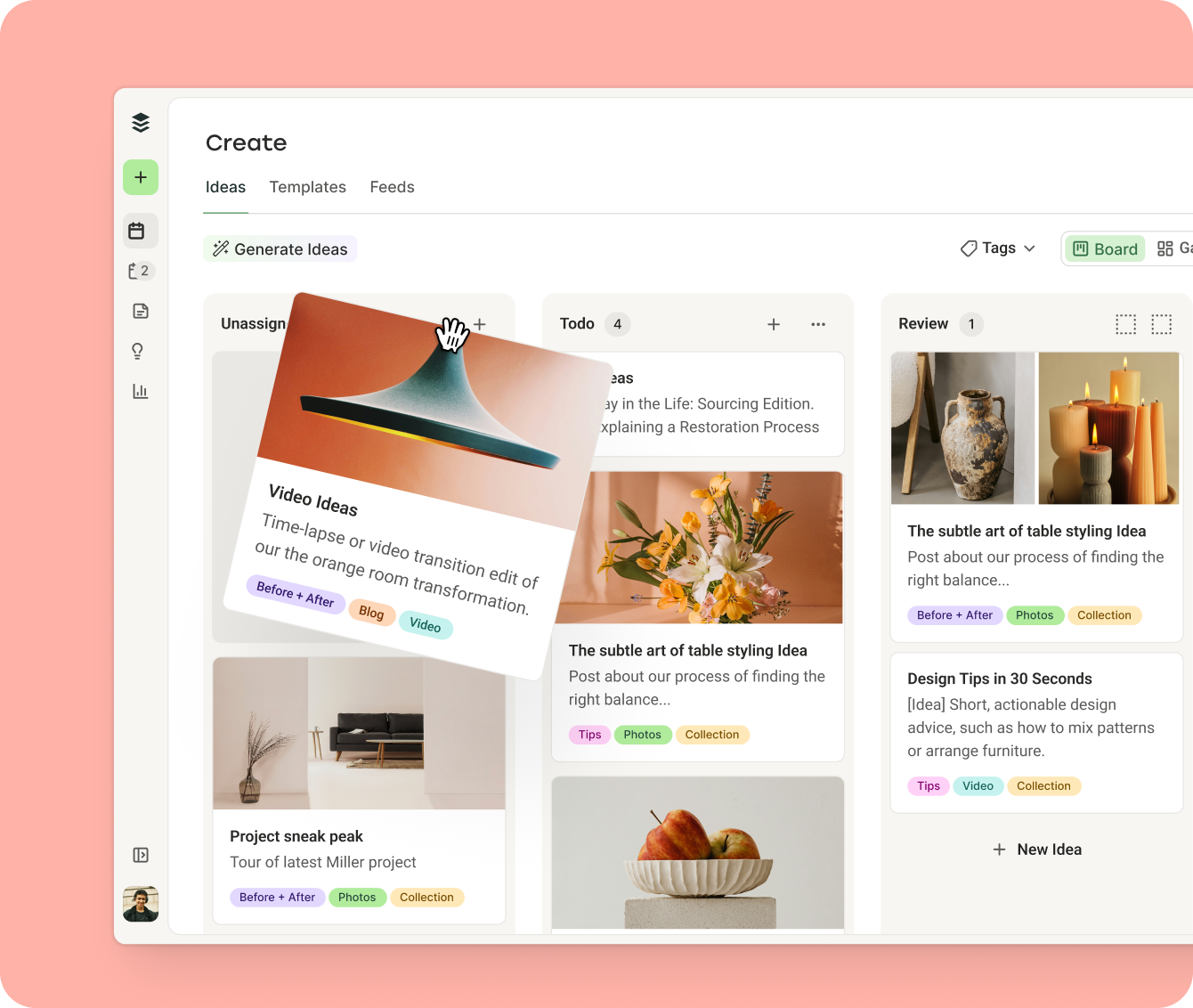
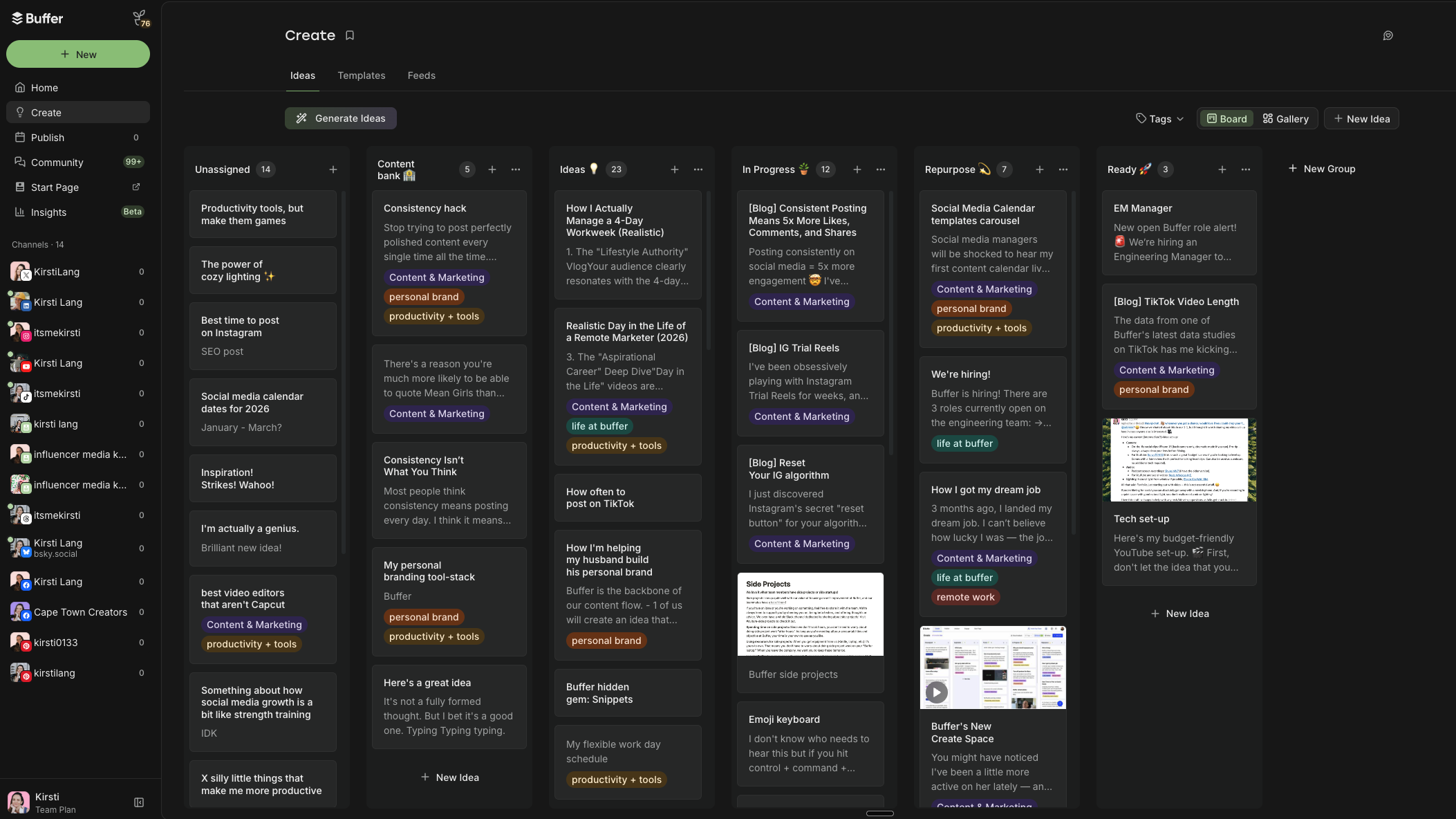
Simon Heaton’s Kanban Workflow
- Format: Buffer Create Space / Kanban board
- Best For: Managing complex publishing workflows through distinct production stages.
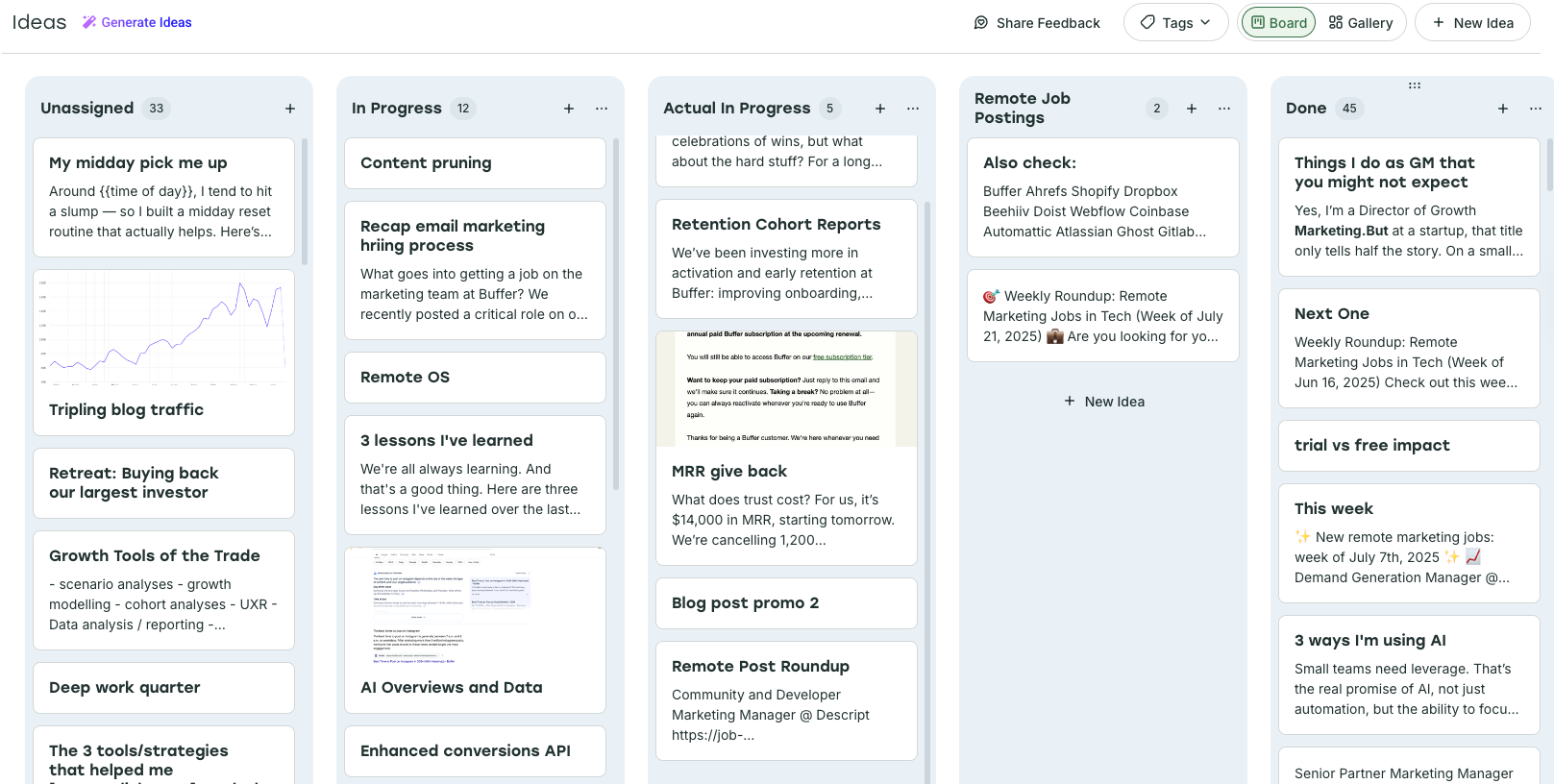
- Overview: Utilizes status-based columns (To Do, In Progress, Ready) paired with color-coded tags to align daily tasks with broader strategic pillars.
-
Aiza Coronado’s AI-Powered Email System
- Format: ChatGPT integrated with email delivery
- Best For: Automated ideation and proactive content generation.
- Overview: Leverages conversational AI prompts to extract insights from past communications and deliver regular content sparks directly to an inbox.
-
Platform-Specific Consistency Calendars (e.g., TikTok Focus)
- Format: Automated scheduling tool
- Best For: Building algorithmic momentum on single-focus platforms.
- Overview: Tailors daily publishing slots to match platform-specific consumption habits, ensuring reliable output without manual intervention.
-
Kiran Shahid’s Personal Brand Framework
- Format: Notion database
- Best For: Personal brand incubation and cross-platform repurposing.
- Overview: Acts as a centralized idea repository that simplifies the transition from single-channel dominance (such as LinkedIn) to multi-platform expansion.
Industry Perspectives and Expert Insights
Marketing professionals emphasize that the efficacy of any calendar system lies in its adoption rate rather than its complexity. Industry leaders note that forcing a team or creator to use a tool that contradicts their natural workflow invariably leads to system abandonment.
"The best content calendar is simply the one you will consistently maintain," notes Simon Heaton, Director of Growth Marketing. "Whether that’s a sophisticated multi-platform scheduler or a basic color-coded spreadsheet, the objective is to eliminate cognitive load and prevent last-minute scrambling."
Furthermore, the integration of artificial intelligence into content planning workflows has fundamentally altered how creators approach ideation. According to marketing analysts, AI-driven prompt systems have reduced the time required for initial brainstorming phases by up to forty percent, allowing creators to allocate more resources toward audience engagement and analytical refinement.
Step-by-Step Methodology: Building a Custom Calendar from Scratch
For organizations preferring a bespoke framework over pre-built templates, constructing a functional content calendar requires a systematic, eight-phase approach:
1. Define Strategic Objectives
Before selecting a digital tool or drafting a single post, establish clear key performance indicators (KPIs), define the target audience demographic, and articulate core content pillars. Aligning the calendar with broader business objectives ensures that every published asset serves a measurable purpose.
2. Select the Appropriate Format
Choose a hosting environment that matches operational requirements. Cloud-based spreadsheets offer maximum flexibility, project management tools like Notion provide superior asset storage, and dedicated software solutions like Buffer enable automated cross-platform publishing.
3. Establish a Sustainable Cadence
Determine realistic publishing frequencies for each targeted channel. Industry benchmarks suggest that maintaining a steady, sustainable output of two to three high-quality posts per week yields superior long-term results compared to aggressive, unsustainable daily schedules that lead to burnout.
4. Construct the Posting Skeleton
Establish fixed publishing slots or operational queues for each platform. Utilizing recurring time slots helps operationalize consistency and provides a predictable framework for ongoing content production.
5. Aggregate Content Ideas
Create a centralized repository for brainstorming, product launch reminders, and rough notes. Lowering the barrier to entry for idea capture prevents valuable concepts from being lost during busy operational cycles.
6. Implement Organizational Tagging
Utilize color-coding, status tags, or categorical labels to categorize posts by content pillar, campaign type, or target audience. This visual stratification allows managers to quickly identify gaps in the schedule, such as an over-reliance on promotional material or a lack of video content.
7. Schedule and Distribute
Populate the established time slots with finalized assets. Modern scheduling automation allows teams to prepare weeks of content in advance, eliminating the need for manual, real-time posting across multiple applications.
8. Review Analytics and Iterate
Regularly evaluate performance metrics—such as impressions, engagement rates, and click-throughs—to identify successful content patterns. Use these empirical insights to refine future scheduling decisions and double down on high-performing strategies.
Broader Economic and Operational Implications
The widespread adoption of structured content planning tools reflects a broader shift toward operational efficiency within the digital media landscape. As algorithmic standards on major social networks become increasingly sophisticated, erratic posting behaviors are heavily penalized by platform distribution models.
By utilizing standardized content calendars, businesses and individual creators insulate themselves against algorithmic volatility, optimize labor expenditure through automation, and maintain coherent brand narratives across increasingly fragmented digital spaces. Ultimately, mastering the content calendar is no longer merely an administrative task; it is a core competency for modern communication and brand stewardship.